Apps
Adobe Firefly 🔥 expands capabilities with AI-generated video 🎬, soundtracks 🎵, and speech 🗣️
Adobe has unveiled the latest iteration of Firefly 🔥, embedding artificial intelligence 🤖 into virtually every corner of video and image post-production 🎞️. This updated suite can now generate narration 🎙️, compose music 🎶, and create video clips from scratch 📽️, while also assisting with brainstorming 🧠 and assembly. While the idea of AI managing the entire production pipeline might unsettle some creators, Adobe insists on positioning the technology as “a tool for, not a replacement of, human creativity.” ✨

Previously focused on content generation, Firefly is evolving with the introduction of a dedicated video editor ✂️, currently in private beta 🧪. This web-based, multitrack timeline editor—reminiscent of Adobe Premiere Pro—allows users to generate, trim, and arrange clips alongside voiceovers and titles. Users can blend captured media with new content generated within the editor using presets like claymation 🧸 or anime ⛩️. Adobe notes that edits can be executed with “frame-by-frame precision or through a built-in transcript.” 📝
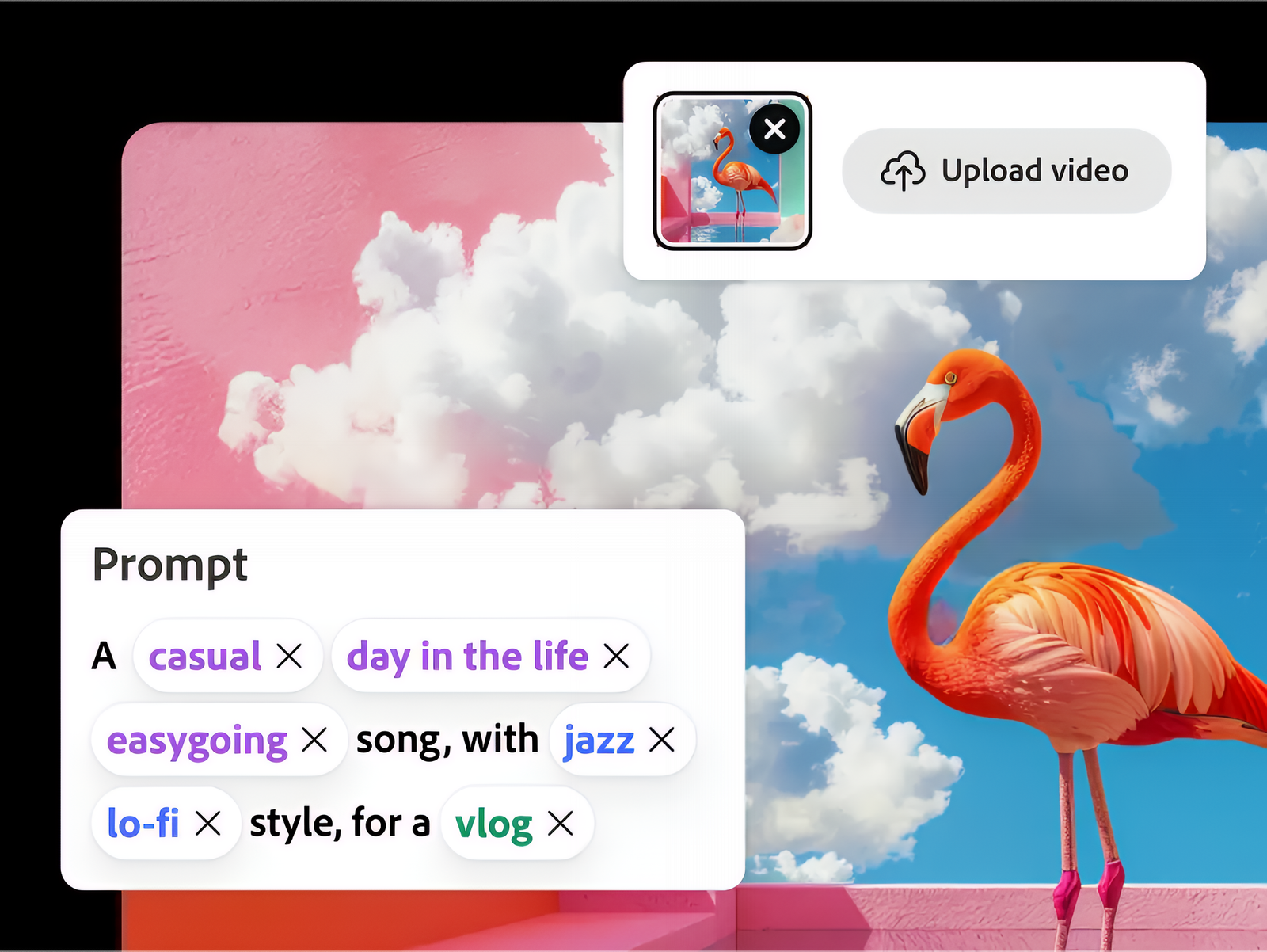

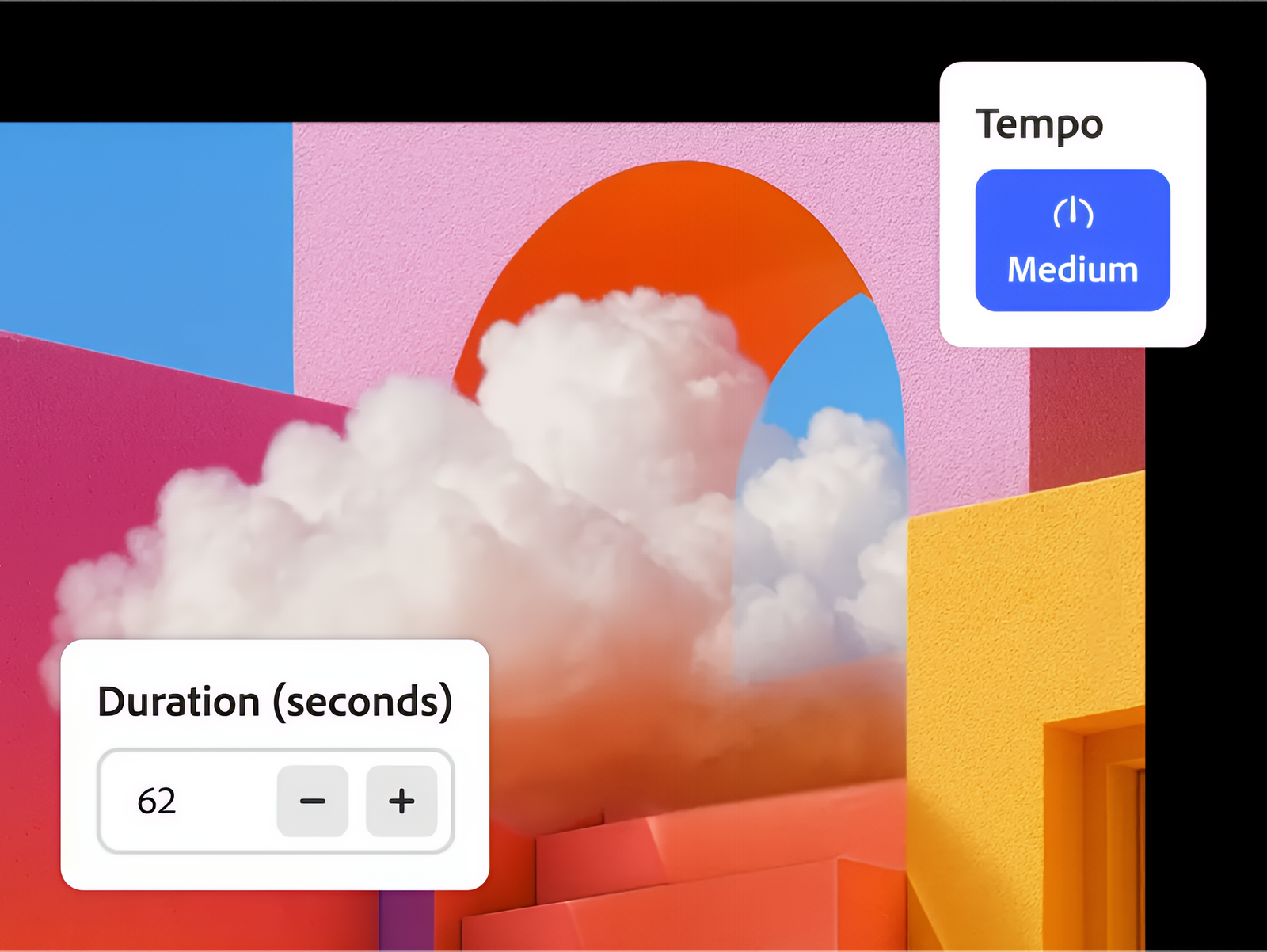
Beyond visuals, Firefly is stepping in to handle the audio landscape as well 🎧. The new Generate Soundtrack feature 🎵, now in public beta and powered by the Firefly Audio Model, allows users to select a specific musical style or have the AI automatically compose a track to match an uploaded clip. Crucially, the system ensures the music is perfectly timed and synced to the footage. ⏳
Similarly, the Generate Speech tool 🗣️ addresses voiceover needs. By leveraging both Firefly’s Speech Model and technology from ElevenLabs, the feature generates lifelike voices across multiple languages 🌍. It offers granular control, allowing creators to fine-tune pacing, emphasis, and emotion to ensure a natural, expressive delivery. 🎭

A comprehensive suite for AI-driven production 🚀
Adobe is also expanding access to its Firefly Creative Production tool 🛠️, launching initially as a private beta within the Firefly app. This AI-powered system facilitates batch image editing 🖼️, enabling creators to stitch together clips, automatically swap backgrounds 🌄, apply consistent color grading 🎨, and crop images—all through a prompt-driven, no-code interface.
For the conceptual phase, the new Firefly Boards offers an “AI-powered ideation surface” designed for brainstorming 💡. A standout feature, “Rotate Object” 🧊, converts 2D images into 3D assets, allowing users to reposition objects and adjust perspectives. Workflow improvements like PDF exporting and bulk image downloading 📂 further streamline the process of sharing visual concepts across teams. 👥