Apps
Adobe is once again expanding its AI toolkit 🛠️ within Creative Cloud ☁️,

Adobe is once again expanding its AI toolkit 🛠️ within Creative Cloud ☁️, this time headlining with a new Photoshop AI Assistant 🤖 designed to handle the drudgery of repetitive tasks 🔄. Unveiled at Adobe Max 2025 🗓️, the assistant joins a host of updates for Photoshop 📸, Premiere 🎬, and Lightroom 💡, alongside the debut of a new generative model 🧬 and the integration of third-party tech from companies like Topaz 💎.
Available in both Photoshop and Express (Adobe’s all-in-one media tool), this conversational AI Assistant 💬 promises to give users “more control, power and potential time-savings ⏳.” The idea is simple: you can chat with the AI to execute multi-step creative workflows—think color correction 🎨 or resizing 📐—without hunting through menus. Crucially, the system allows for a fluid workflow where you can toggle between natural language prompts ⌨️ and traditional manual tools, like sliders 🎚️, to adjust brightness and contrast. It even doubles as a guide, offering tutorials for complex techniques 🎓.
During a brief demonstration, Adobe showcased an “agentic” mode ✨ that strips away the typically dense interface in favor of a clean, prompt-based UI. Users simply type in their desired outcome, and the agent executes the necessary steps automatically ⚙️. Once the heavy lifting is done, you can jump right back into the standard interface to fine-tune specific elements like brightness or levels manually 🔧.

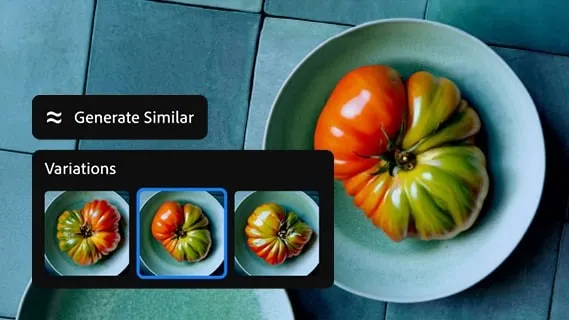
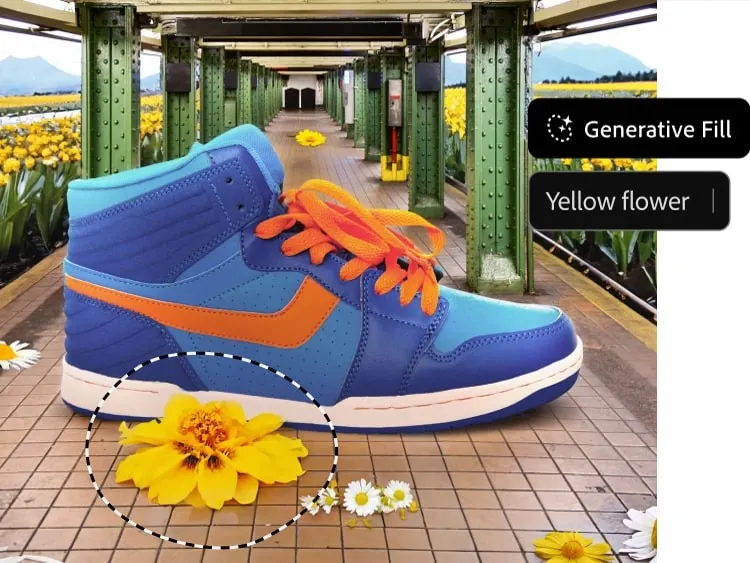
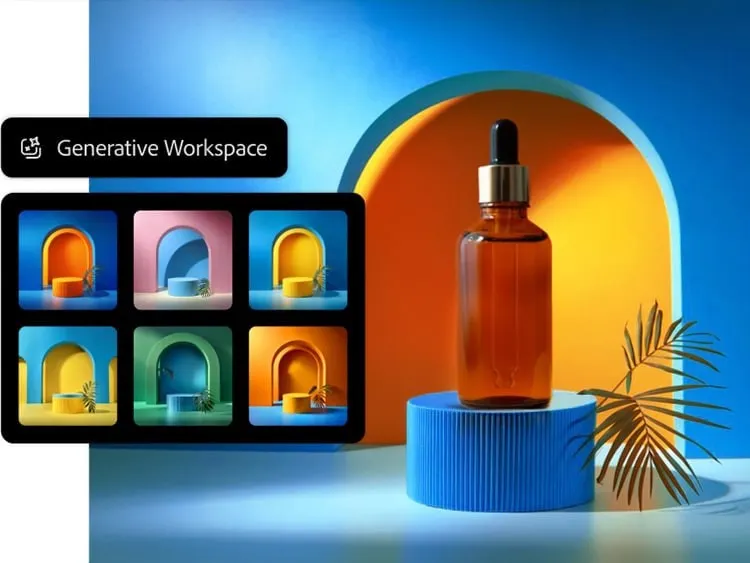
Beyond the assistant, Photoshop is getting a significant boost in generative capabilities 🚀. Most notably, Adobe is opening the door to partner models 🤝 for Generative Fill. Users can now leverage Google Gemini 2.5 Flash ♊ and Black Forest Labs’ FLUX.1 Kontext alongside Adobe’s own Firefly engines 🔥 to remove objects and fill gaps. Speaking of proprietary tech, the company also rolled out Firefly Image Model 5 🆕, touted as its most advanced image generation model to date.
Resolution and compositing are also seeing major upgrades 📈. A new Generative Upscale option, powered by Topaz Labs’ AI 💎, can transform small or cropped low-resolution images into 4K files 🖥️ while maintaining “realistic detail.” For compositors, the new Harmonize feature 🌈 aims to eliminate much of the tedious work involved in blending assets. It realistically places subjects into new environments by automatically matching the foreground’s lighting, color, and tone to the background 🖼️.
On the video front 🎥, Premiere is introducing a smart feature dubbed AI Object Mask 🎭. This tool automatically identifies and isolates people or objects within a scene, allowing for tracking 🏃♂️ and editing without the painstaking process of manual rotoscoping ✂️. The update also brings standard rectangle, ellipse, and pen masking tools to Premiere for targeted adjustments, plus a fast vector mask to speed up tracking workflows ⚡.
Lightroom hasn’t been left out, receiving a practical new tool called Assisted Culling 🧹. Designed to tame massive photo dumps 📸, it helps photographers quickly identify the best shots in a collection by filtering based on technical criteria like focus levels 🎯, angles, and degrees of sharpness 🔍.
As for when you can use these tools: Photoshop’s updated Generative Fill with partner models, Generative Upscale, and Harmonize are available to customers starting today ✅. The new Premiere masking tools and Lightroom’s Assisted Culling are launching today in beta 🧪. However, those eager to try the new Photoshop AI Assistant will need to join a private beta waitlist ⏳.