Apps

Adobe is once again expanding its AI toolkit within Creative Cloud ,

Published

on

Adobe Max 2025 unveils a new conversational AI Assistant for Photoshop to automate complex workflows, plus major AI updates for Premiere, Lightroom, and Express.
Adobe is once again expanding its AI toolkit within Creative Cloud , this time headlining with a new Photoshop AI Assistant designed to handle the drudgery of repetitive tasks . Unveiled at Adobe Max 2025 , the assistant joins a host of updates for Photoshop , Premiere , and Lightroom , alongside the debut of a new generative model and the integration of third-party tech from companies like Topaz .
Available in both Photoshop and Express (Adobeโ€™s all-in-one media tool), this conversational AI Assistant promises to give users โ€œmore control, power and potential time-savings .โ€ The idea is simple: you can chat with the AI to execute multi-step creative workflowsโ€”think color correction or resizing โ€”without hunting through menus. Crucially, the system allows for a fluid workflow where you can toggle between natural language prompts and traditional manual tools, like sliders , to adjust brightness and contrast. It even doubles as a guide, offering tutorials for complex techniques .
During a brief demonstration, Adobe showcased an โ€œagenticโ€ mode that strips away the typically dense interface in favor of a clean, prompt-based UI. Users simply type in their desired outcome, and the agent executes the necessary steps automatically . Once the heavy lifting is done, you can jump right back into the standard interface to fine-tune specific elements like brightness or levels manually .
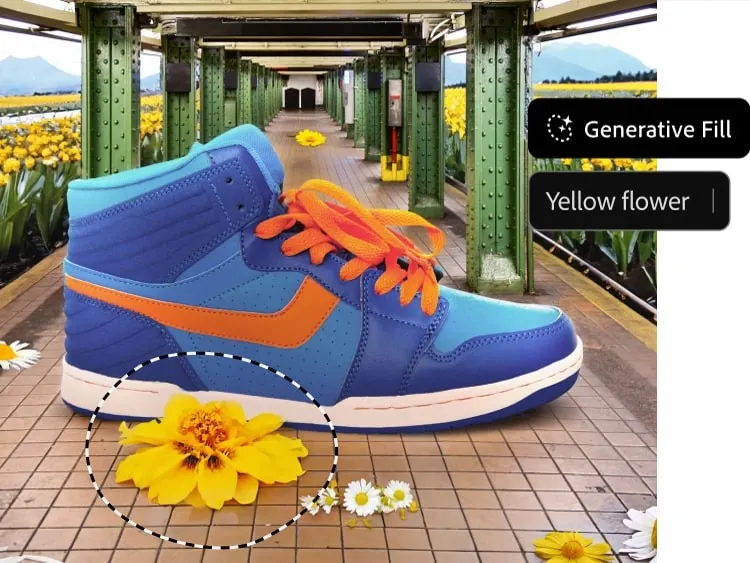
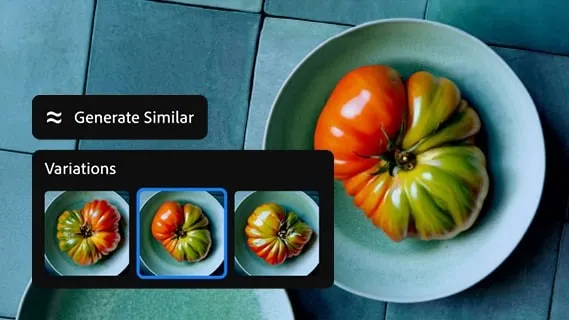
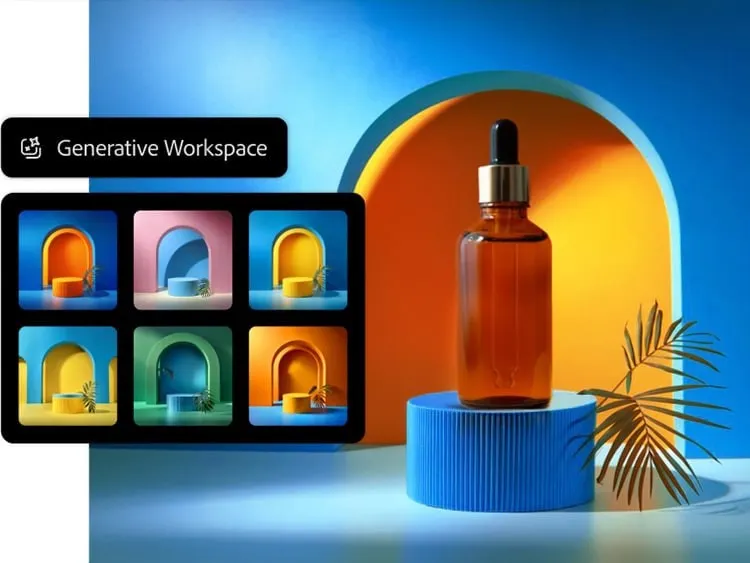
Beyond the assistant, Photoshop is getting a significant boost in generative capabilities . Most notably, Adobe is opening the door to partner models for Generative Fill. Users can now leverage Google Gemini 2.5 Flash and Black Forest Labsโ€™ FLUX.1 Kontext alongside Adobeโ€™s own Firefly engines to remove objects and fill gaps. Speaking of proprietary tech, the company also rolled out Firefly Image Model 5 , touted as its most advanced image generation model to date.
Resolution and compositing are also seeing major upgrades . A new Generative Upscale option, powered by Topaz Labsโ€™ AI , can transform small or cropped low-resolution images into 4K files while maintaining โ€œrealistic detail.โ€ For compositors, the new Harmonize feature aims to eliminate much of the tedious work involved in blending assets. It realistically places subjects into new environments by automatically matching the foregroundโ€™s lighting, color, and tone to the background .
On the video front , Premiere is introducing a smart feature dubbed AI Object Mask . This tool automatically identifies and isolates people or objects within a scene, allowing for tracking and editing without the painstaking process of manual rotoscoping . The update also brings standard rectangle, ellipse, and pen masking tools to Premiere for targeted adjustments, plus a fast vector mask to speed up tracking workflows .
Lightroom hasnโ€™t been left out, receiving a practical new tool called Assisted Culling . Designed to tame massive photo dumps , it helps photographers quickly identify the best shots in a collection by filtering based on technical criteria like focus levels , angles, and degrees of sharpness .
As for when you can use these tools: Photoshopโ€™s updated Generative Fill with partner models, Generative Upscale, and Harmonize are available to customers starting today . The new Premiere masking tools and Lightroomโ€™s Assisted Culling are launching today in beta . However, those eager to try the new Photoshop AI Assistant will need to join a private beta waitlist .

Leave a Reply

Your email address will not be published. Required fields are marked *

Trending

ยฉ Copyright 2026 | All rights reserved | Technews89.com