Laptop & PC
Elevate Your Laptop Audio: Simple Tips for Better Sound Quality 


Tired of tinny laptop speakers? Learn how to boost your sound quality with external speakers, smart devices, and simple setup tweaks for a better experience.

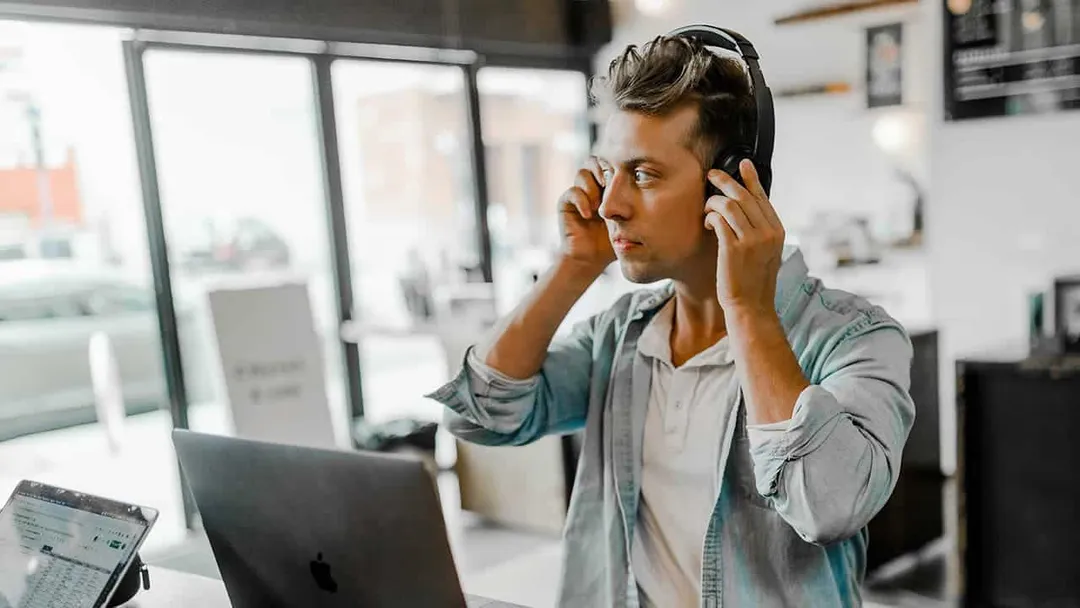
#Laptop Audio
It is a nearly universal truth that laptop speakers leave much to be desired. The complaints are consistent: tinny vocals, nonexistent bass, and generally muddy performance 


Upgrade Your Laptop Audio with External Speakers 

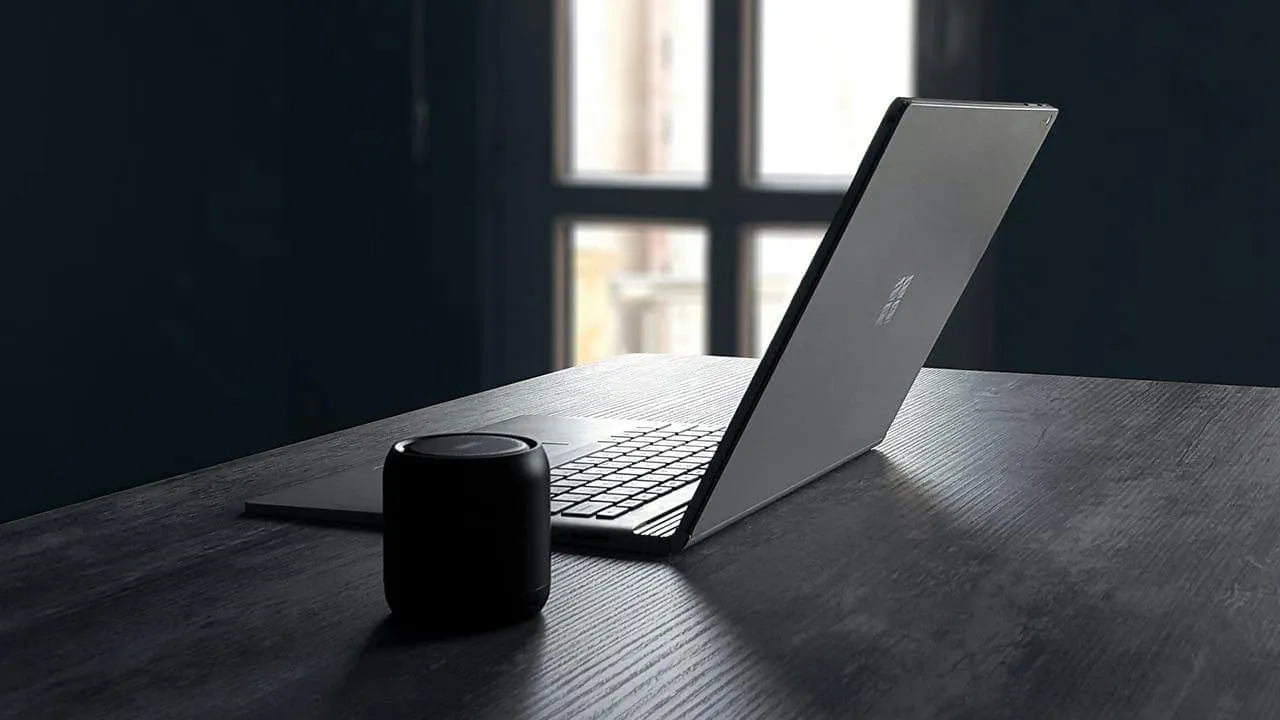
#Laptop Audio
The quickest route to better sound is simply bypassing the internal hardware entirely. Portable Bluetooth speakers are an excellent fix for on-the-go listening, offering a wireless, hassle-free connection 


Leverage Your Existing Stereo System 
Don’t overlook the gear you already own; that dust-gathering stereo system can be given a second lease on life 


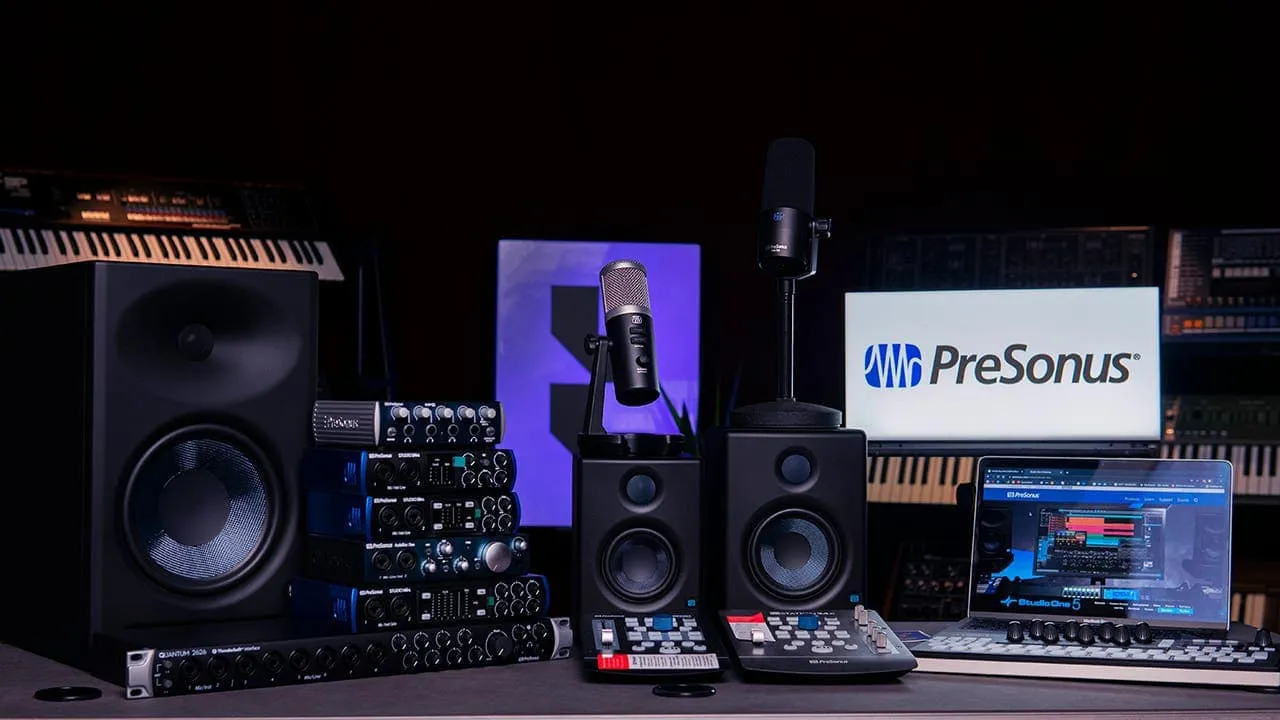
#Stereo System
Invest in Dedicated Desk Speakers 
If you are anchored to a desk for most of the day, dedicated speakers can significantly elevate your audio experience. Almost any desktop set will outperform even high-end built-in laptop drivers. The market is vast, so weigh your budget against your sonic preferences 

For those seeking budget-friendly value, 2.1 systems like the Logitech Z407 or Creative Pebble Plus offer respectable performance and Bluetooth utility 

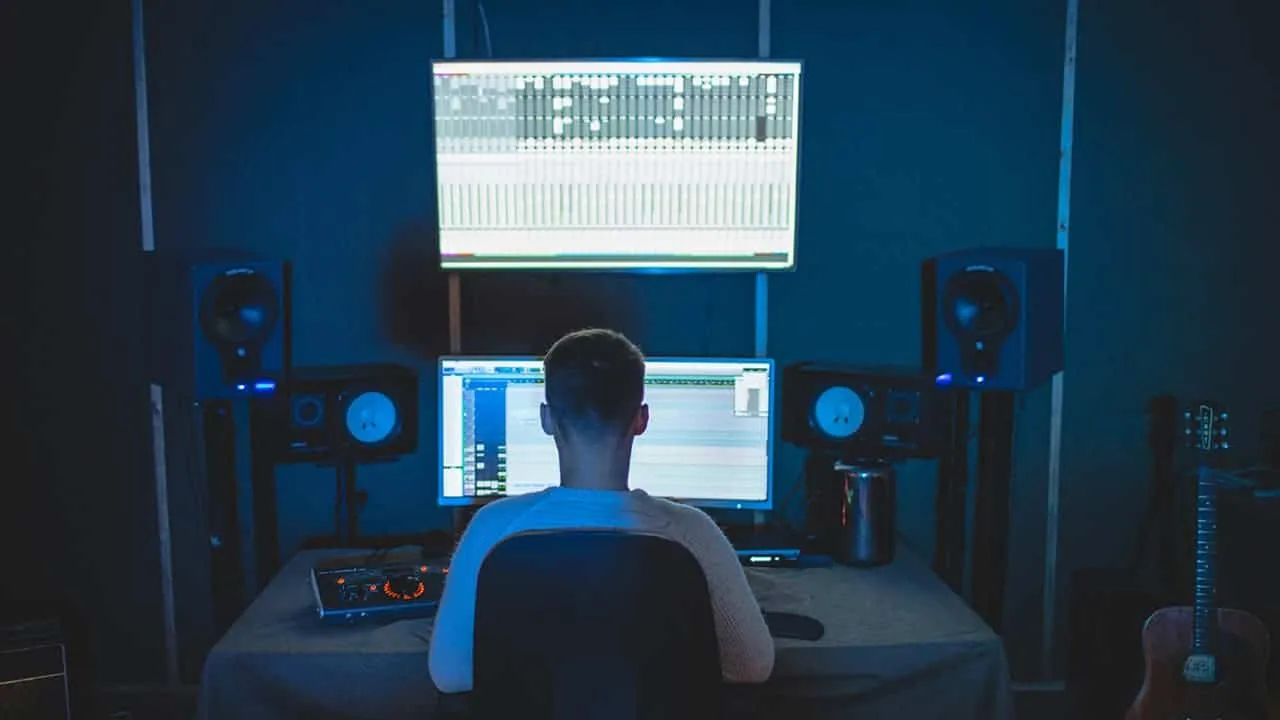
#Desk Speakers
Active speakers—units with built-in amplification—provide another versatile option, often featuring various inputs for different devices 
Ultimately, the best choice depends entirely on your specific ear and your budget 
Enjoy Better Sound with Headphones 
Sometimes, the best acoustic environment is a personal one. High-quality headphones, whether wired or wireless, will drastically outshine your laptop’s speakers 
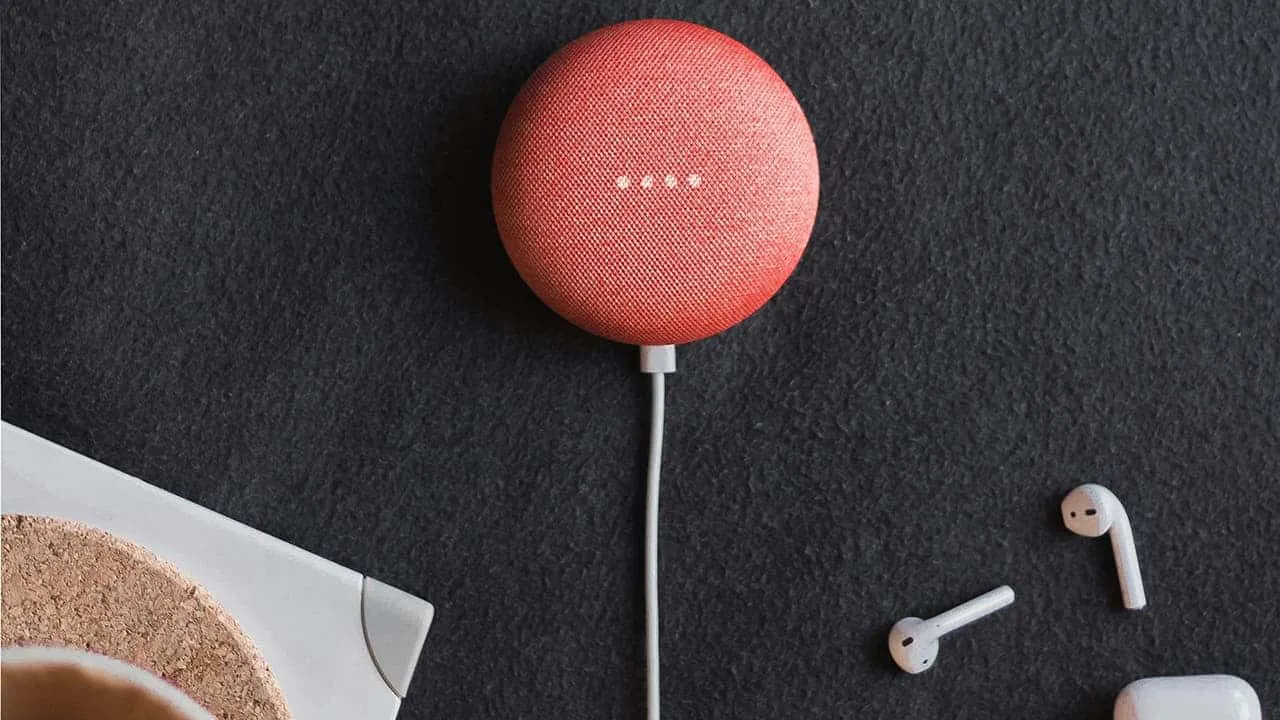
#Better Sound
Comfort is paramount, particularly for extended sessions 


Update Your Audio Drivers 

Sometimes the bottleneck isn’t hardware, but software. Outdated drivers can strangle sound quality, so updating them is a crucial troubleshooting step. Here is how to ensure your system is communicating correctly:
Check for updates using your computer’s command center
Many pre-built systems include proprietary software to manage system health. Look for a “command center” or similar application from your manufacturer and check for specific audio driver updates there 
Use Windows Device Manager 
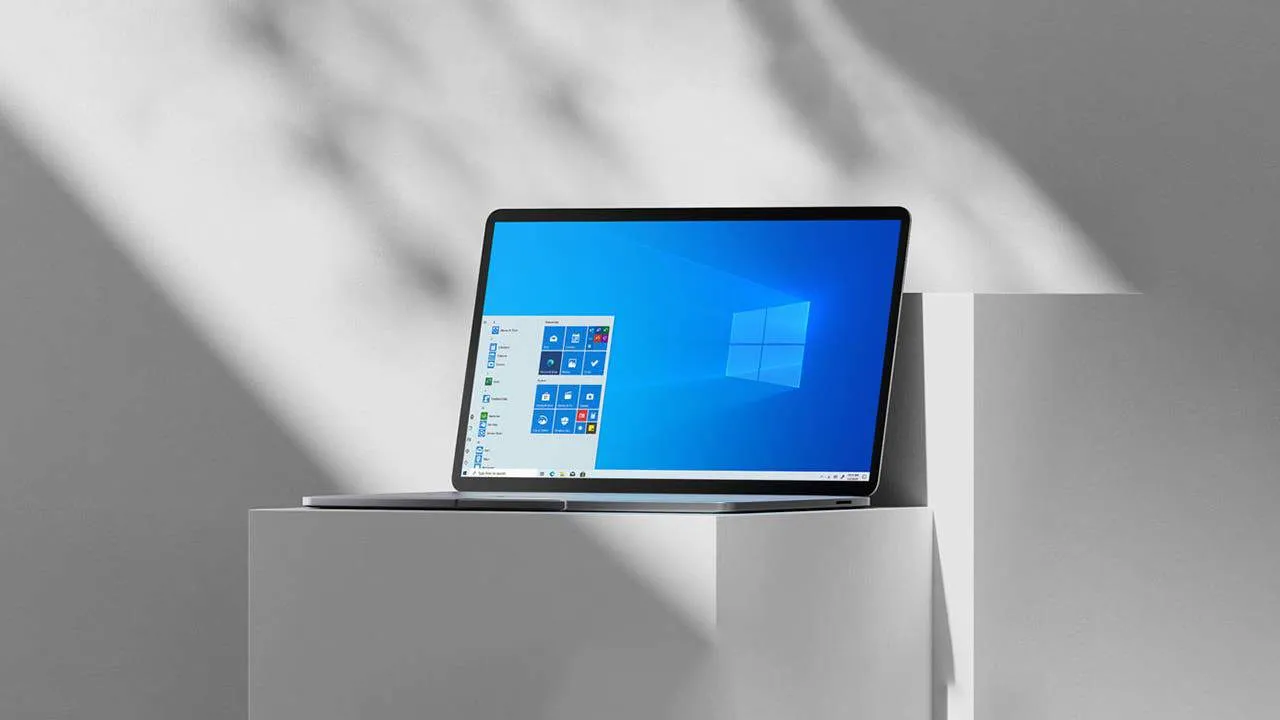
#Deive Manager
Alternatively, right-click the Start button and select “Device Manager.”
Expand the section labeled “Sound, video, and game controllers 
Right-click your specific audio device and choose “Update driver.”
Select “Search automatically for updated driver software,” or choose “Browse my computer” if you have already downloaded a specific driver file 
Maintaining up-to-date drivers ensures your hardware communicates correctly, optimizing performance and resolving potential glitches 
Other Tips for Better Laptop Audio 
While external hardware offers the most dramatic improvements, there are several housekeeping steps you can take to optimize your laptop’s native sound:
Equalizer settings: Dive into your laptop’s built-in equalizer or use third-party software to sculpt the frequencies to your taste 
Software enhancements: Many playback applications offer virtualization or bass boost features. Experiment with these to see if they enrich your listening experience 
Laptop placement: Avoid resting your laptop on soft surfaces like beds or couches, which can muffle bottom-firing speakers 

Volume level: Pushing volume to the maximum often introduces distortion. Keep levels reasonable to maintain clarity 
Regular cleaning: Dust is the enemy of clear audio. Gently clean your speaker grilles with a soft brush to prevent buildup from affecting sound output
By combining these practical maintenance tips with the hardware upgrades mentioned earlier, you can transform your laptop from a tinny annoyance into a capable audio hub 