Google is refining how users interact with Gemini on Android ,
Google is refining how users interact with Gemini on Android , rolling out a few UI tweaks that put sharing and navigation front and center.
#image_title
#image_title
#Gemini
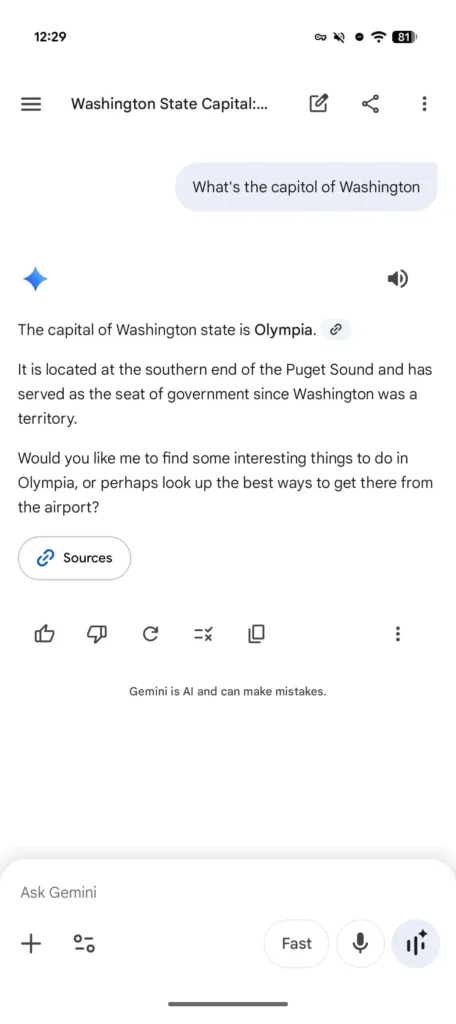
If you’ve used the app recently , you might have noticed the top bar looks a bit busier. Previously, the interface was fairly minimalist : the chat title sat right in the center, and tapping it would trigger a bottom sheet menu. A “new chat” button lived off by itself in the top-right corner.
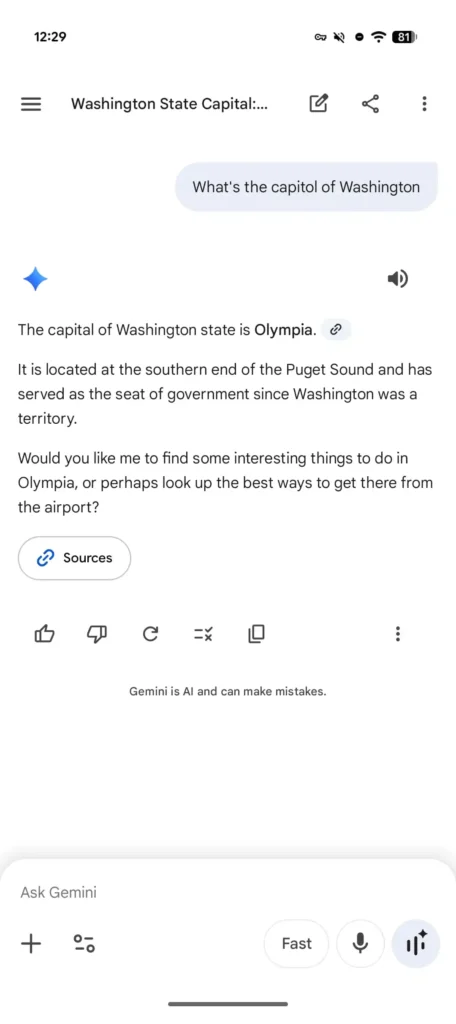
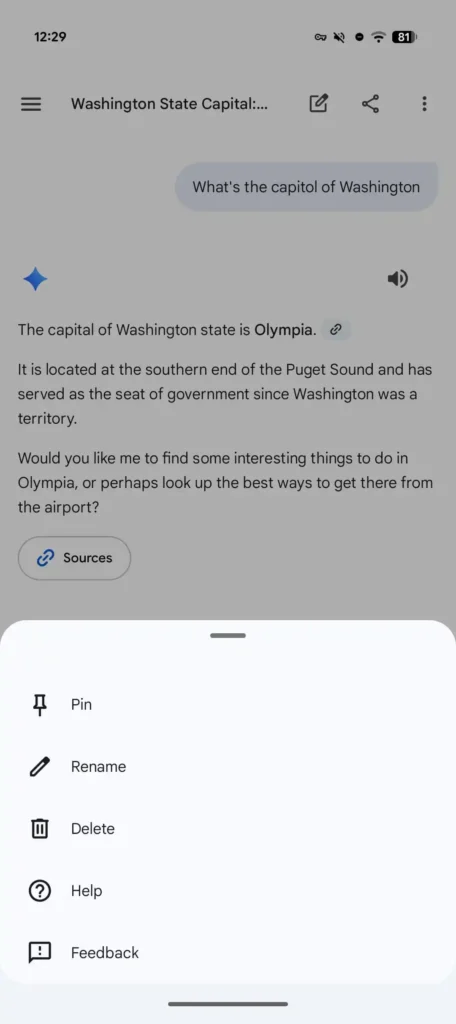
That’s changed . The title has now shifted to the left , sitting right next to the new chat icon. Following those are two prominent additions: a dedicated share button —which instantly generates a link and pulls up the Android share sheet—and a standard three-dot overflow menu . This menu is now the home for Pin , Rename , Delete , Help , and Feedback .
While this layout feels more “standard” for a Google app than the old downward-facing caret, it does make the header feel a little cramped , especially with the hamburger menu still occupying the far left. You could argue that tucking the share button inside the overflow menu would have kept things a bit cleaner .
#Gemini