
Laptop & PC
Elevate Your Laptop Audio: Simple Tips for Better Sound Quality 🔊💻✨

Tired of tinny laptop speakers? Learn how to boost your sound quality with external speakers, smart devices, and simple setup tweaks for a better experience.

#Laptop Audio
It is a nearly universal truth that laptop speakers leave much to be desired. The complaints are consistent: tinny vocals, nonexistent bass, and generally muddy performance 📉. But you don’t have to settle for a subpar listening experience. There are several effective ways to unlock your machine’s sonic potential 🚀. Let’s explore how to boost your laptop’s output and get the most out of your audio setup 🎵.
Upgrade Your Laptop Audio with External Speakers 📢
#Laptop Audio
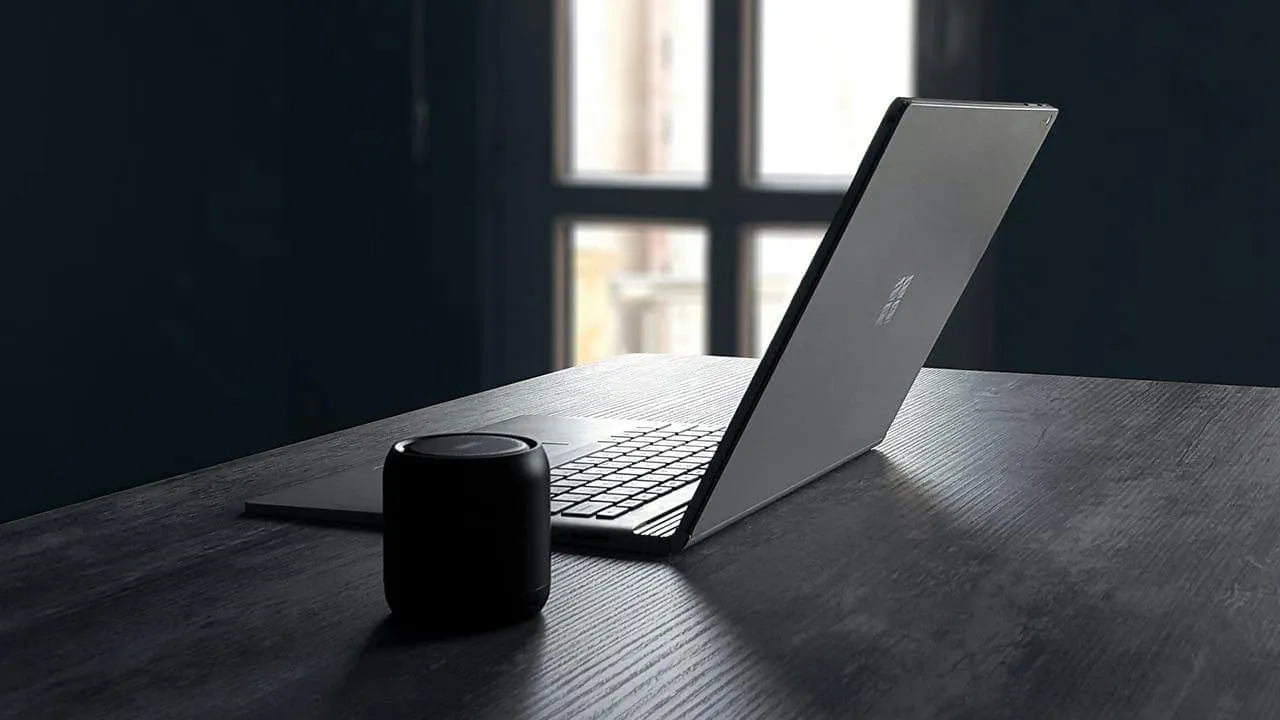
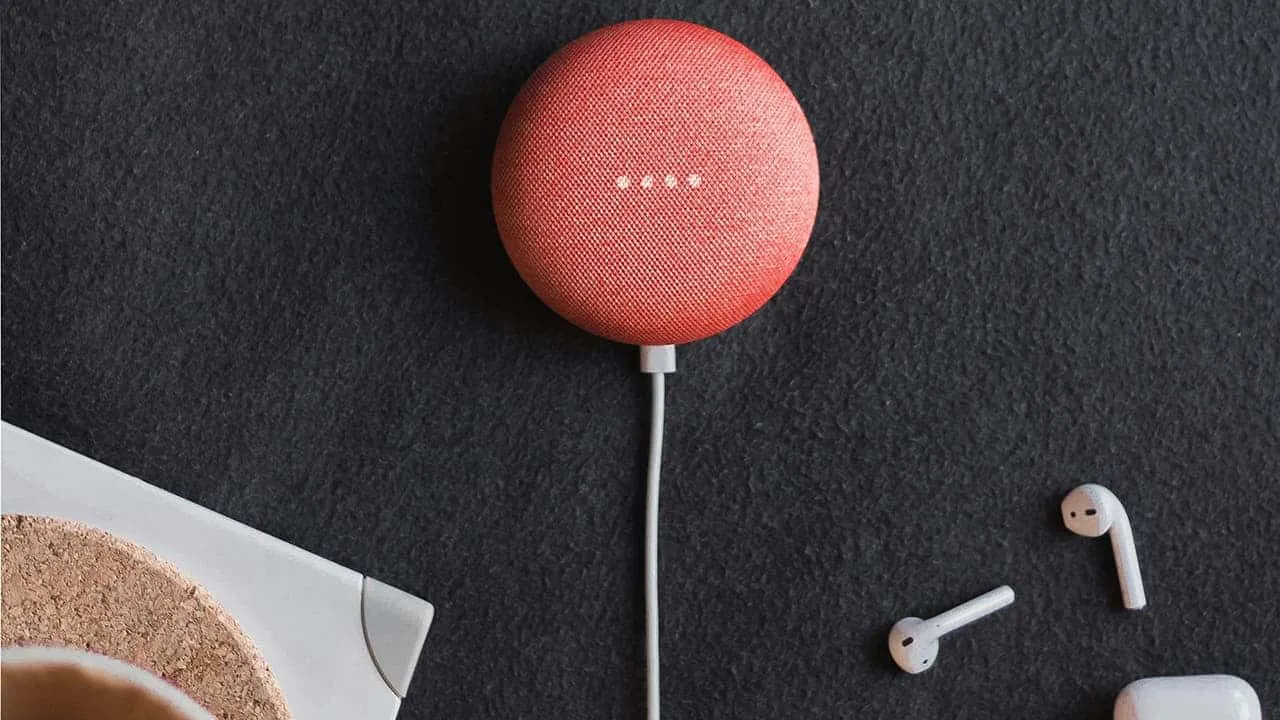
The quickest route to better sound is simply bypassing the internal hardware entirely. Portable Bluetooth speakers are an excellent fix for on-the-go listening, offering a wireless, hassle-free connection 📶. If you prefer a stationary setup, smart speakers like Apple’s HomePod or Google Nest deliver impressive fidelity 🏠🍏. Just keep in mind that wireless connections can occasionally introduce slight latency or compression artifacts ⚡.
Leverage Your Existing Stereo System 📻
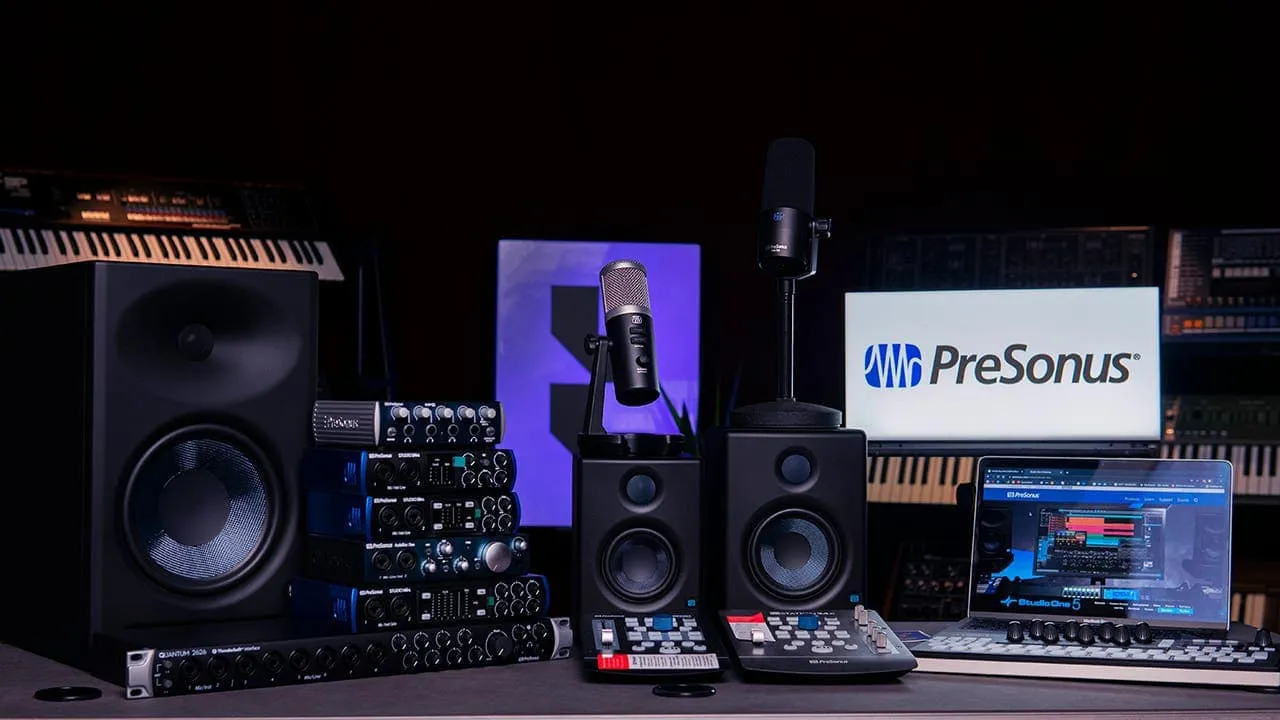
Don’t overlook the gear you already own; that dust-gathering stereo system can be given a second lease on life 🧹. Utilizing your laptop’s headphone jack to connect to a receiver can offer an immediate, noticeable upgrade 🔌. For the audiophiles out there, adding a Digital-to-Analog Converter (DAC) to the chain will bridge the gap between digital files and analog warmth for superior results 💎.
#Stereo System
Invest in Dedicated Desk Speakers 🖥️🔊
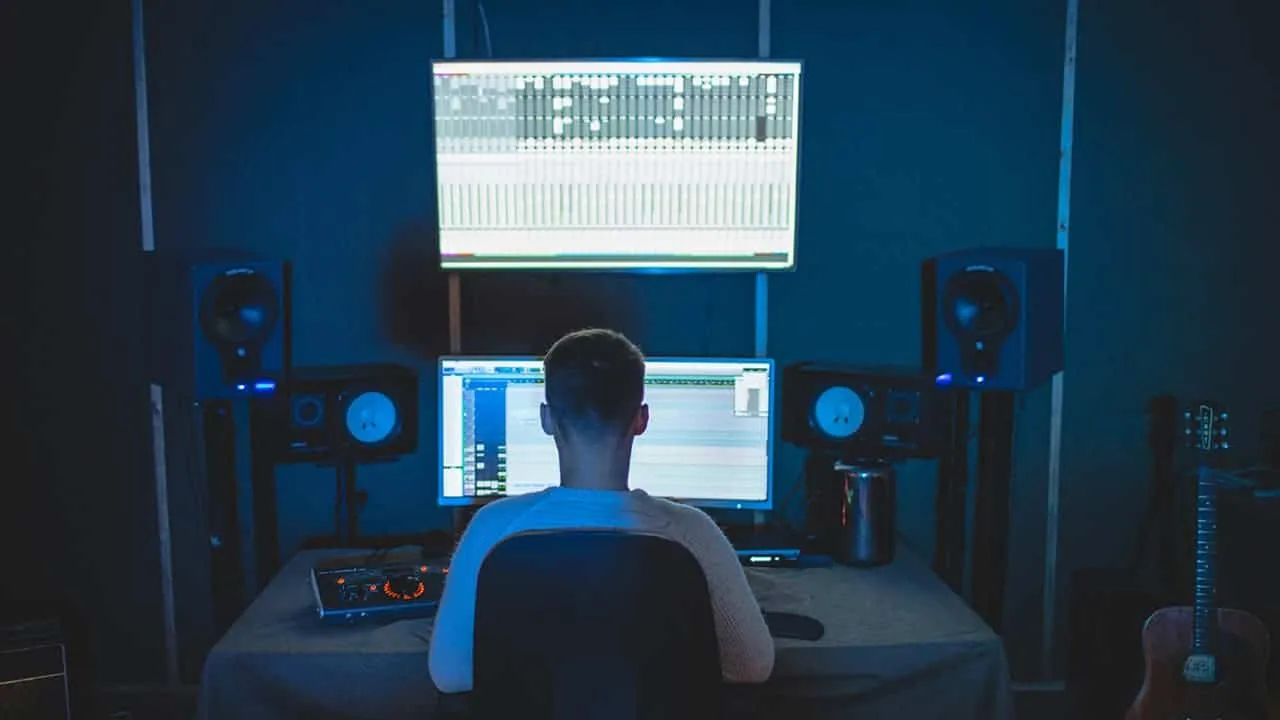
If you are anchored to a desk for most of the day, dedicated speakers can significantly elevate your audio experience. Almost any desktop set will outperform even high-end built-in laptop drivers. The market is vast, so weigh your budget against your sonic preferences 💰. It is always wise to audition speakers in person if the opportunity arises 👂.
For those seeking budget-friendly value, 2.1 systems like the Logitech Z407 or Creative Pebble Plus offer respectable performance and Bluetooth utility 🎶. If you desire a more aesthetic or powerful setup, consider the iconic Harman Kardon SoundSticks 4 or the neutral, accurate Pioneer DJ DM-50D studio monitors 🎼.
#Desk Speakers
Active speakers—units with built-in amplification—provide another versatile option, often featuring various inputs for different devices ⚡. Brands like Klipsch (The Fives) and Q Acoustics (M20) produce exceptional active speakers across various price points 🏷️.
Ultimately, the best choice depends entirely on your specific ear and your budget 🎯.
Enjoy Better Sound with Headphones 🎧
Sometimes, the best acoustic environment is a personal one. High-quality headphones, whether wired or wireless, will drastically outshine your laptop’s speakers 🌟.
#Better Sound
Comfort is paramount, particularly for extended sessions 😌. Open-back headphones are worth considering; they allow airflow for a wider soundstage, though they do leak sound 🌬️. If you treat them like near-field speakers in a quiet room, this leakage is rarely an issue. For true high-fidelity, pair premium headphones with a dedicated amp or DAC to unlock their full potential 🔋.
Update Your Audio Drivers ⚙️🛠️
Sometimes the bottleneck isn’t hardware, but software. Outdated drivers can strangle sound quality, so updating them is a crucial troubleshooting step. Here is how to ensure your system is communicating correctly:
Check for updates using your computer’s command center 🖥️
Many pre-built systems include proprietary software to manage system health. Look for a “command center” or similar application from your manufacturer and check for specific audio driver updates there 🔄.
Use Windows Device Manager 🪟
#Deive Manager
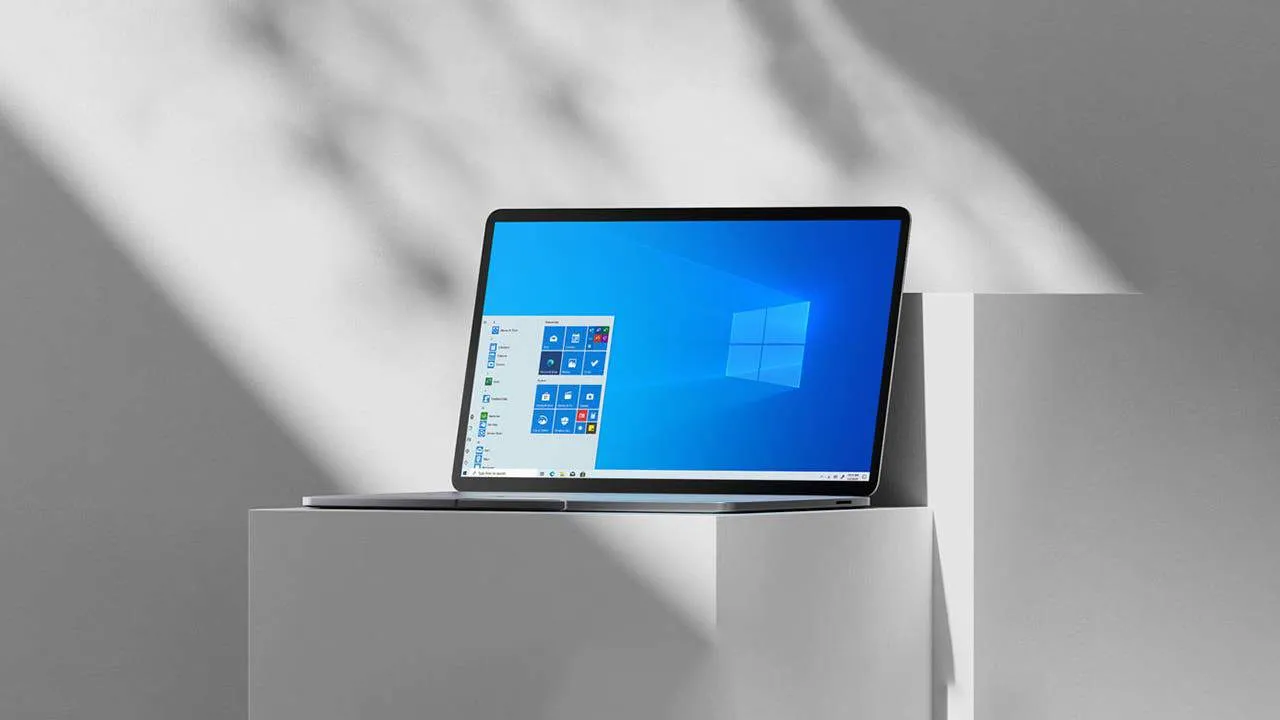
Alternatively, right-click the Start button and select “Device Manager.”
Expand the section labeled “Sound, video, and game controllers 🎮.”
Right-click your specific audio device and choose “Update driver.”
Select “Search automatically for updated driver software,” or choose “Browse my computer” if you have already downloaded a specific driver file 📂.
Maintaining up-to-date drivers ensures your hardware communicates correctly, optimizing performance and resolving potential glitches ✅.
Other Tips for Better Laptop Audio 💡
While external hardware offers the most dramatic improvements, there are several housekeeping steps you can take to optimize your laptop’s native sound:
Equalizer settings: Dive into your laptop’s built-in equalizer or use third-party software to sculpt the frequencies to your taste 🎚️.
Software enhancements: Many playback applications offer virtualization or bass boost features. Experiment with these to see if they enrich your listening experience 🪄.
Laptop placement: Avoid resting your laptop on soft surfaces like beds or couches, which can muffle bottom-firing speakers 🛋️🚫.
Volume level: Pushing volume to the maximum often introduces distortion. Keep levels reasonable to maintain clarity 🔉.
Regular cleaning: Dust is the enemy of clear audio. Gently clean your speaker grilles with a soft brush to prevent buildup from affecting sound output 🧹✨.
By combining these practical maintenance tips with the hardware upgrades mentioned earlier, you can transform your laptop from a tinny annoyance into a capable audio hub 🎶🌈.


#Dell
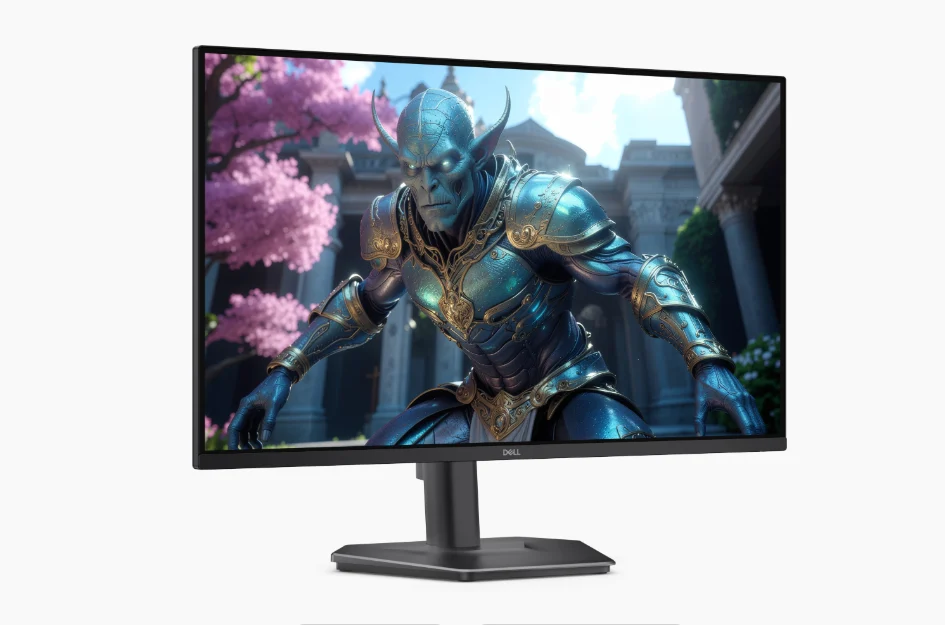
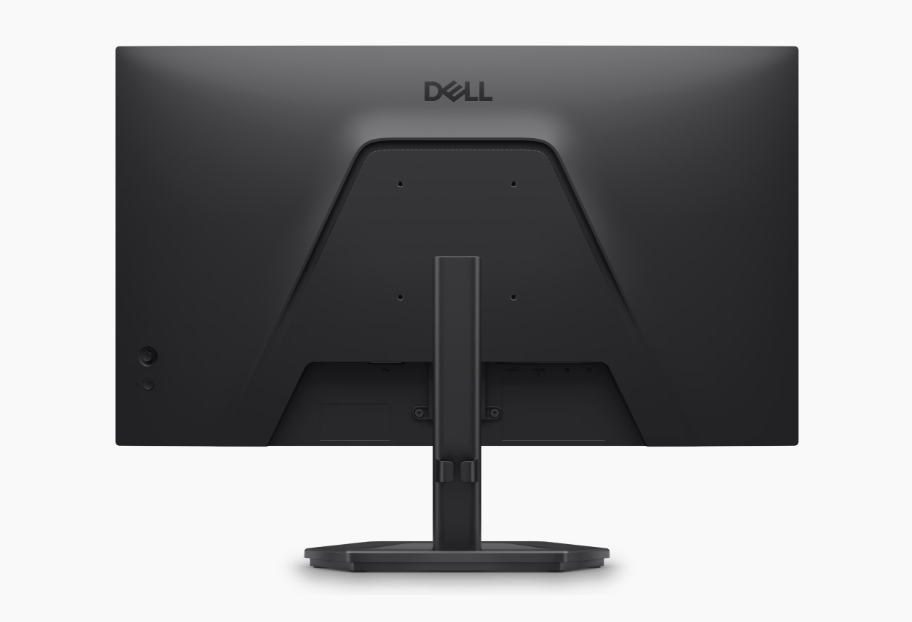
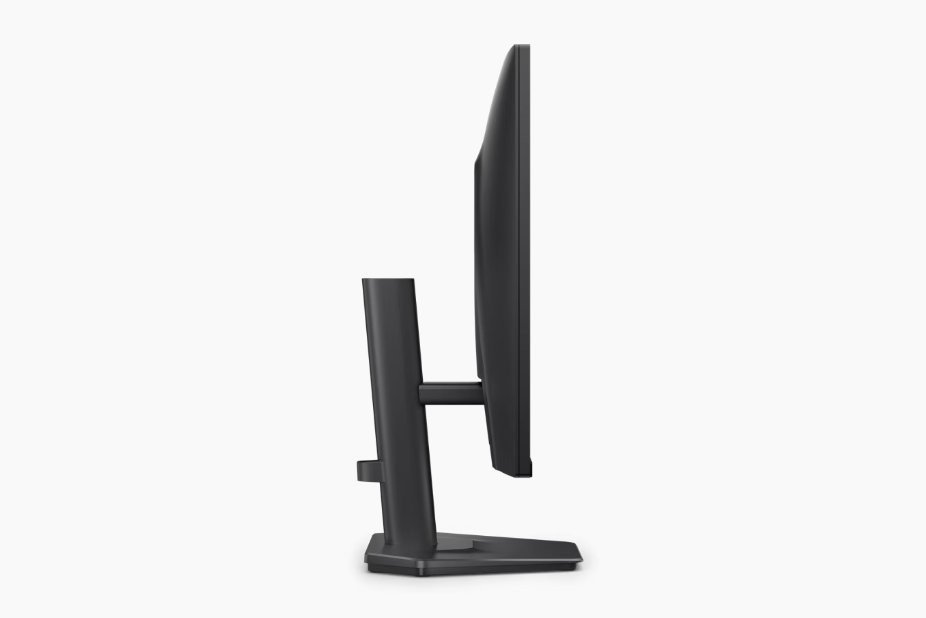
Dell is making a play for the budget gaming market with the release of two new 27-inch displays that prioritize high-frame-rate performance without the usual “gamer tax.” 🎮 The SE2726HGS and SE2726HG are nearly identical under the hood, with the only real distinction being how much flexibility you want from your desk setup. 🛠️ If you need to adjust height or swivel the screen, the HGS is the one to get; if you’re content with a basic tilt-only stand, the HG will save you a bit of cash. 💰
Both monitors are built around a 1080p IPS panel boasting a 240Hz refresh rate—a combination that has become the gold standard for competitive players who value fluid motion over raw pixel count. 🌊 To keep the experience tear-free, Dell included AMD FreeSync Premium along with support for variable refresh rates (VRR) and HDR over HDMI. 🏎️ Speed is clearly the focus here, with response times reaching as low as 0.5ms (GTG) in “extreme” mode, though the standard 5ms mode is available for more casual use. ⏱️
#Dell
The display specs are respectable for this price bracket. You’re looking at 300 nits of brightness, a 1000:1 contrast ratio, and 99% sRGB color coverage. 🎨 Dell also leaned into eye health for those long sessions, outfitting both models with flicker-free tech and low blue light hardware, earning them a 3-star eye comfort certification. 👁️🛡️
In terms of connectivity, both models offer two HDMI ports and a DisplayPort 1.4 input—all of which are capable of pushing the full 240Hz. 🔌 They are also VESA-mount compatible (100 x 100) if you prefer to ditch the stands entirely. 🏗️ Interestingly, the HGS ships with a standard HDMI cable, while the HG includes an HDMI 2.0 cable. Power consumption is quite efficient, averaging just under 20W during typical use. 🔋
Official pricing puts the SE2726HGS at $170 and the SE2726HG at $140. 🏷️ However, if you’re looking to snag a bargain, the HG model is already popping up on Amazon for as low as $120. 🤑📦
Acer and ASUS halt PC sales in Germany after court ruling 💻 🇩🇪 ⚖️
A court decision in Germany has temporarily blocked Acer and ASUS from selling certain PCs directly in the country, following a patent dispute with Nokia. 🛑 🏛️
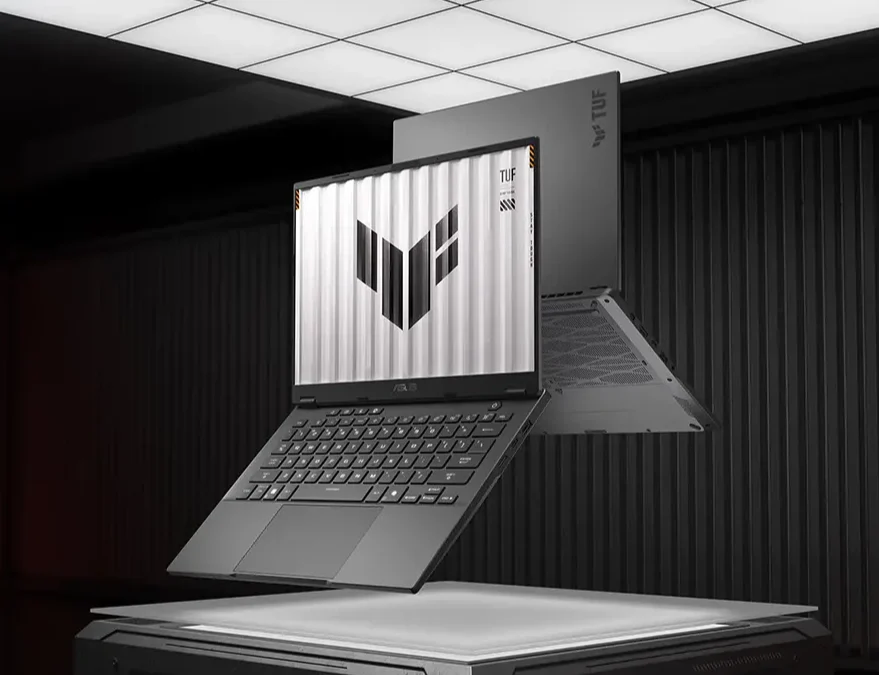
ASUS TUF Gaming A14 Laptop 🎮 💻
The ruling comes from the Munich I Regional Court, which sided with Nokia in a case involving standard-essential patents (SEPs) tied to the H.265/HEVC video codec. 🎞️ HEVC is widely used for compressing high-resolution video, including 4K and 8K playback, and is built into modern processors and graphics systems. 📽️ ⚙️
According to the court, Acer and ASUS were found to have infringed Nokia’s patents without securing licenses on FRAND (fair, reasonable, and non-discriminatory) terms. 📜 As a result, the court granted Nokia an injunction. That means the two PC makers cannot import, sell, or distribute affected devices directly in Germany, at least for now. 🚫 📦
What’s affected? ❓ ⚠️
Because HEVC support is deeply integrated into current hardware and software stacks, the decision potentially covers most recent laptop and desktop models from both companies. 💻 Acer has already removed PCs from its German online store, leaving only accessories such as monitors available. 🖥️ ASUS has similarly restricted parts of its German website, with some product pages offline or marked as unavailable. ❌ 🌐
Both companies have said the move is tied to the temporary injunction. They’ve also stressed that warranties, repairs, and customer service in Germany are continuing as normal. 🛠️ 📞 ✅
The injunction applies to the manufacturers themselves, not to third-party retailers. 🏬 That means stores like Amazon, MediaMarkt, and other electronics chains can continue selling devices already in inventory. 📦 🛒
However, once current stock runs out, replenishing it could become difficult unless the dispute is resolved or a licensing agreement is reached. 📉 ⏳ 🤝
Nokia filed patent lawsuits in 2025 📅 against Acer, ASUS, and Hisense over HEVC-related intellectual property. Hisense later reached a licensing agreement with Nokia, leading to the claims against it being withdrawn. ✍️ ✅
Acer and ASUS have not settled so far and are expected to pursue appeals. Licensing negotiations may still be ongoing behind the scenes. ⚖️ 📂 🤐
Acer and ASUS halt PC sales in Germany following court ruling 💻 🇩🇪 ⚖️
A recent court decision in Germany has forced Acer and ASUS to temporarily suspend direct sales of specific PCs within the country, the result of an ongoing patent dispute with Nokia. 🛑 🏛️
ASUS TUF Gaming A14 Laptop 🎮 💻
The injunction stems from a ruling by the Munich I Regional Court, which sided with Nokia regarding standard-essential patents (SEPs) linked to the H.265/HEVC video codec. 🎞️ This technology is fundamental to modern media, enabling high-resolution compression for 4K and 8K playback, and is deeply integrated into contemporary processors and graphics systems. 📽️ ⚙️
The court determined that both Acer and ASUS infringed on Nokia’s intellectual property by failing to secure licenses under FRAND (fair, reasonable, and non-discriminatory) terms. 📜 Consequently, the court granted Nokia an injunction, effectively barring the two PC manufacturers from directly importing, selling, or distributing the affected devices in Germany for the time being. 🚫 📦

#image_title
What’s affected? ❓ ⚠️
Because HEVC support is woven into the fabric of modern hardware and software stacks, the ruling casts a wide net, potentially impacting the vast majority of recent laptop and desktop models from both brands. 💻 The commercial impact is already visible: Acer has removed PCs from its German online store, leaving only accessories like monitors available. 🖥️ ASUS has implemented similar restrictions on its German website, with various product pages either taken offline or marked as unavailable. ❌ 🌐
Both companies have confirmed that these measures are a direct response to the temporary injunction. However, they have emphasized that operations regarding warranties, repairs, and customer service in Germany remain unaffected and will continue as normal. 🛠️ 📞 ✅
It is important to note that the injunction applies specifically to the manufacturers, not to third-party retailers. 🏬 This means that vendors such as Amazon, MediaMarkt, and other electronics chains can continue to sell devices currently sitting in their inventory. 📦 🛒
The challenge, however, will arise once that current stock is depleted. 📉 Replenishing inventory could prove difficult—if not impossible—unless the dispute is resolved or a licensing agreement is reached. ⏳ 🤝
Nokia originally filed these patent lawsuits in 2025 📅, targeting Acer, ASUS, and Hisense over HEVC-related intellectual property. While Hisense successfully negotiated a licensing agreement with Nokia, leading to the withdrawal of the claims against it, the PC makers have yet to settle. ⚖️ ✍️
Acer and ASUS have not reached an agreement thus far and are expected to appeal the decision 📂, though licensing negotiations likely continue behind closed doors. 🤐 🤝
Laptop & PC
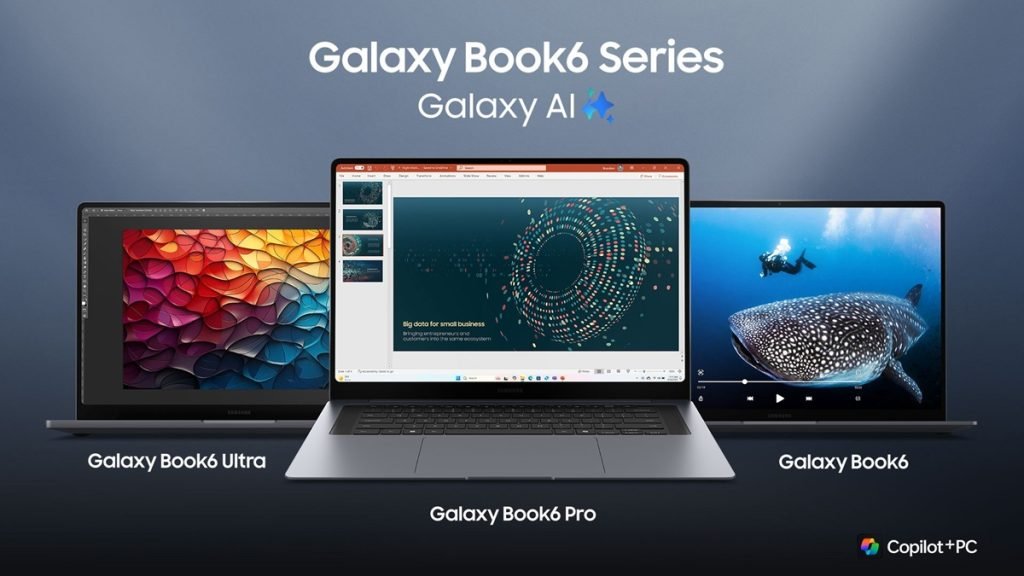
📢 Samsung Galaxy Book 6 Series European Pricing Announced, Pre-Orders Start February 25 🗓️

Tech3 weeks ago
Roborock unveils the P20 Max: A vacuum powerhouse with 35,000Pa suction & AI smarts 🤖🌪️🧠

Smartphones3 weeks ago
Vivo reportedly testing a massive single-cell 12,000mAh smartphone 📱🔋

Tech3 weeks ago
Xiaomi Electric Scooter 6 Ultra poised for global debut: 75km range and 1200W peak power 🛴🌍🔋⚡

Entertainment9 years ago
The final 6 ‘Game of Thrones’ Trailer

Entertainment9 years ago
The old and New Edition cast comes together to perform

Buying9 years ago
Phillies’ Aaron Altherr makes mind-boggling barehanded play

Videos3 weeks ago
Marvel Tōkon: Fighting Souls 🥊 arrives on PS5 and PC 🎮 this August 6, bringing the X-Men ❌ along for the ride.

Entertainment3 weeks ago
Samsung Galaxy Unpacked 2026 📅: The Galaxy S26 series ✨,

Videos3 weeks ago
Bradley the Badger channels Wreck-It Ralph in a meta video game adventure 🦡🕹️
-
 Entertainment9 years ago
The final 6 ‘Game of Thrones’ Trailer
-
 Entertainment9 years ago
The old and New Edition cast comes together to perform
-
 Buying9 years ago
Phillies’ Aaron Altherr makes mind-boggling barehanded play
-

 Videos9 years ago
Uber and Lyft are finally available in all of New York State
-

 Entertainment9 years ago
Disney’s live-action Aladdin finally finds its stars
-

 Buying9 years ago
Steph Curry finally got the contract he deserves from the Warriors
-

 Entertainment9 years ago
From ‘Dick Clark’s New Year’s Rockin’ Eve’ 🎸 to ‘Nashville’s Big Bash,’ 🤠
-
Buying9 years ago
Boxing continues to knock itself out with bewildering, incorrect decisions