
Google caught everyone off guard 😲.

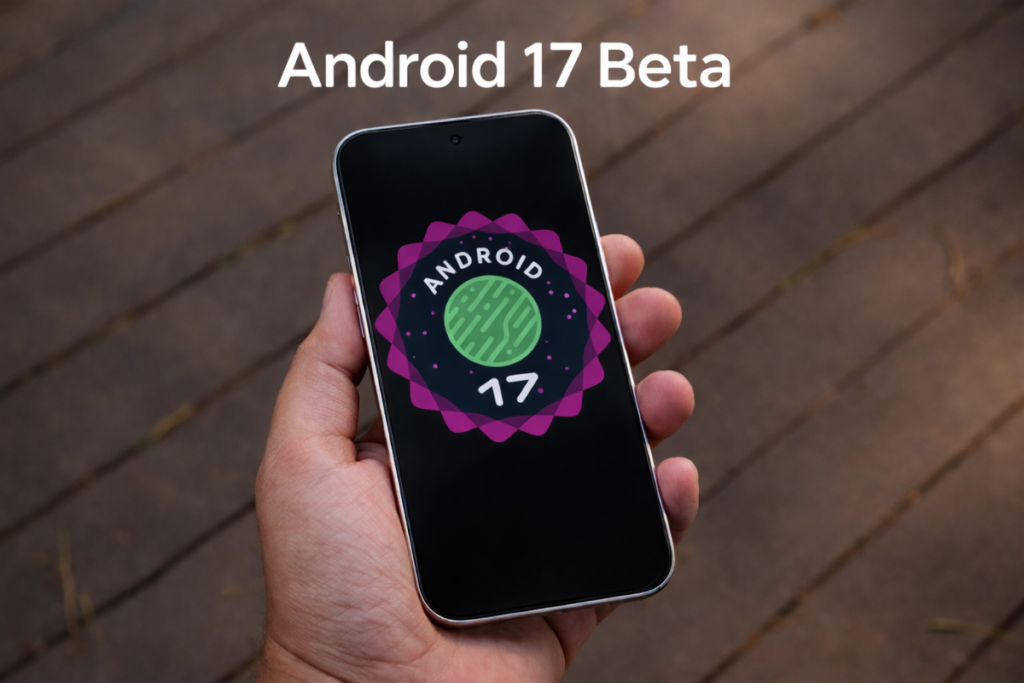
Google caught everyone off guard 😲. Just three days after confirming Android 17 was on the horizon 🌅, the first beta has officially landed 🚀. It’s an unexpectedly quick turnaround for a release that promises to sharpen privacy 🛡️, tighten security 🔒, and smooth out overall performance ⚡.
Beyond the usual under-the-hood polish ✨, there are some fundamental shifts in how Android handles apps and hardware ⚙️. Here is everything you need to know about the rollout, the devices that made the cut, and what’s actually changing 📋.
Is your device on the list? 📱
As per usual, Google’s own Pixel lineup gets the first bite of the apple 🍎. While other manufacturers will eventually join the beta program, for now, it’s a Pixel-only affair 🤫.
If you own any of the following, you’re eligible to jump in 🙋♂️:
Pixel 6 Series:** 6, 6 Pro, 6a 📱
Pixel 7 Series:** 7, 7 Pro, 7a 📱
Pixel 8 Series:** 8, 8 Pro, 8a 📱
Pixel 9 Series:** 9, 9 Pro, 9 Pro XL, 9 Pro Fold, 9a 🤳
Pixel 10 Series:** 10, 10 Pro, 10 Pro XL, 10 Pro Fold 🌟
Foldables & Tablets:** Pixel Fold, Pixel Tablet 📖
Essentially, if you’re carrying a Pixel 6 or newer, you don’t have to wait months for the stable release to see what Google has been cooking 👨🍳.
How to get Android 17 Beta 1 right now 📲
The installation process depends on where you’re starting from. If your Pixel is already enrolled in the beta program and running Android 16 QPR3 Beta 2.1, you can breathe easy—the update should hit your device automatically 📥. Just head to **Settings > System > Software Updates** to trigger the download ⚙️.
If you’re currently on a stable build, you’ll need to take an extra step 🚶♂️:
1. Go to [google.com/android/beta](https://google.com/android/beta) 🌐.
2. Sign in with the Google account linked to your phone 🔑.
3. Find your device and select **“Opt in.”** ✅
4. Once confirmed, check your phone’s settings for the update 🔄.
A quick word of advice:** This is a beta ⚠️. Things can (and sometimes will) break 💥. Before you hit install, make sure your photos and important files are backed up to the cloud or a physical drive ☁️💾.
What’s actually new? ✨
This first release marks a bit of a structural shift. Google is moving away from the traditional “Developer Preview” label in favor of an Android Canary” program 🐦. The idea is to get features and APIs into the hands of developers faster, ensuring better stability without the headache of manual flashing ⚡.
Better behavior on big screens 📺
If you use a tablet or a foldable, you’ve likely dealt with apps that refuse to resize or rotate properly 🔄. Android 17 is putting its foot down. For any device with a “smallest width” of 600dp or more, apps are now required to support resizable windows and both landscape and portrait orientations 📐. They can no longer opt out of these basic behaviors.
Under-the-hood performance 🏎️
Google is also fine-tuning the engine. They’ve introduced a “Lock-free MessageQueue” to help eliminate those annoying dropped frames 🎞️ and “Generational Garbage Collection” to make the system more efficient with CPU usage 🧠. It’s technical stuff, but it translates to a phone that feels snappier and lasts longer on a charge 🔋.
Camera and Connectivity 📸
The update brings “Dynamic Camera Sessions” for smoother transitions between shooting modes 🎥 and “Versatile Video Coding” (VVC) support for hardware that can handle it. On the connectivity side, there are significant updates to Wi-Fi Ranging for better proximity detection 📶 and new dedicated profiles for medical devices and fitness trackers to make pairing and permissions less of a chore 🩺⌚.
What’s next? 🔮
Google is moving fast 🏃♂️. According to their roadmap, we’ll hit the “Platform Stability” phase as early as next month. That’s when the APIs are finalized and the final polish begins 💎. If everything stays on track, we should see the stable rollout sometime in the third quarter of 2026 📅.
We’ll be keeping a close eye on every new build as it drops 👀. You can check back here for updates or head over to our Telegram channel for instant alerts on the latest tech news 📢.







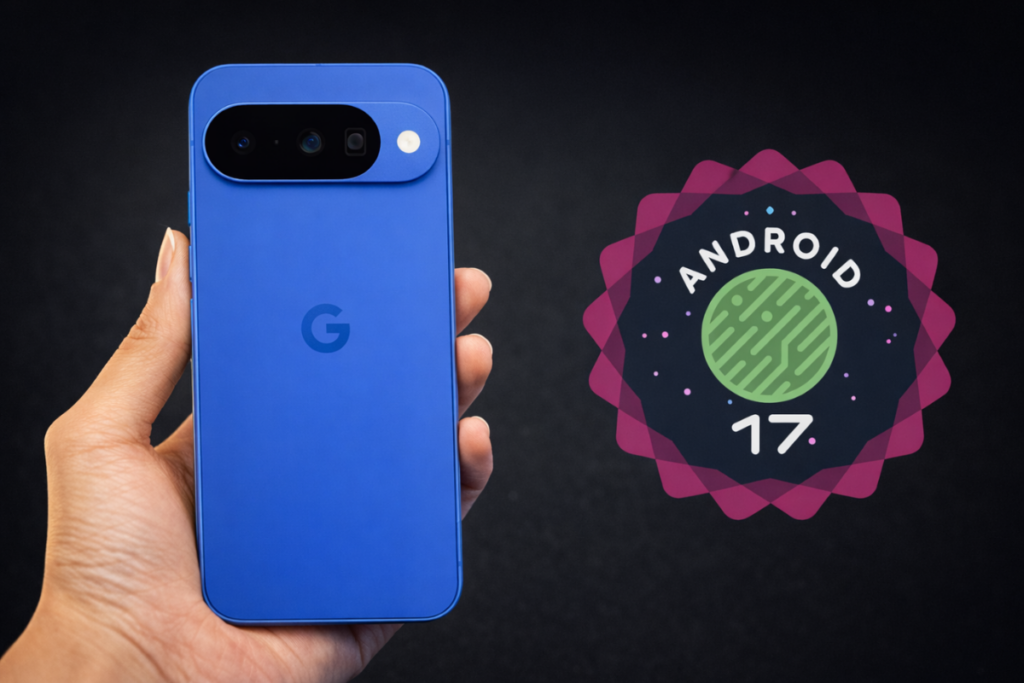
Android 17 🤖 is shaping up to be a substantial leap forward, particularly for the Pixel 9 and Pixel 10 📱, both of which are slated for major AI-driven enhancements 🧠. Even if you’re using an older Pixel model, there is plenty to be excited about, as the update brings a host of refinements and new features across the board. But the big question remains: when can you actually download it? 📥 We might finally have an answer.
The short answer: Google could roll out the official release of Android 17 as early as today or at any point throughout this week. 🗓️
Last year, Google shifted its strategy with Android 16, moving away from a single annual update in favor of a dual-release schedule. Under this new framework, the company pushes a major platform release in the second quarter, followed by a smaller, minor update later in the year. 🔄
Android 17 continues this cadence, with the major release anticipated for June. Interestingly, Google bypassed the traditional Developer Preview phase entirely this time around, opting to move straight into public beta testing. 🧪
Related: 8 Android 17 features in development I can’t wait to use 🚀
The inaugural Android 17 beta arrived on February 13, with the second following shortly after. While these early builds launched slightly behind the Android 16 timeline, the gap has steadily closed. The OS reached platform stability with the arrival of Beta 3 on March 27—just two weeks after the corresponding milestone for Android 16. ✅
Following the April 17 launch of Beta 4 and the subsequent minor update, Beta 4.1, on June 1, we appear to have reached the end of the testing cycle. The next version will be the stable build, and it could drop at any moment. Google typically favors Tuesdays for major software releases, which points directly to today, June 9. If it doesn’t arrive today, you can almost certainly expect it to land before the week is out. ⏳
Android 17 Release date 📅
Beta 1 Feb 13, 2026
Beta 2 Feb 26, 2026
Beta 3 Mar 26, 2026
Beta 4 Apr 16, 2026
Beta 4.1 Jun 1, 2026
Stable Second week of June (expected) ✨
If you are using an older Google Pixel, it is worth confirming whether your device is eligible for this major upgrade. You can review the full list of supported devices here. 🔍
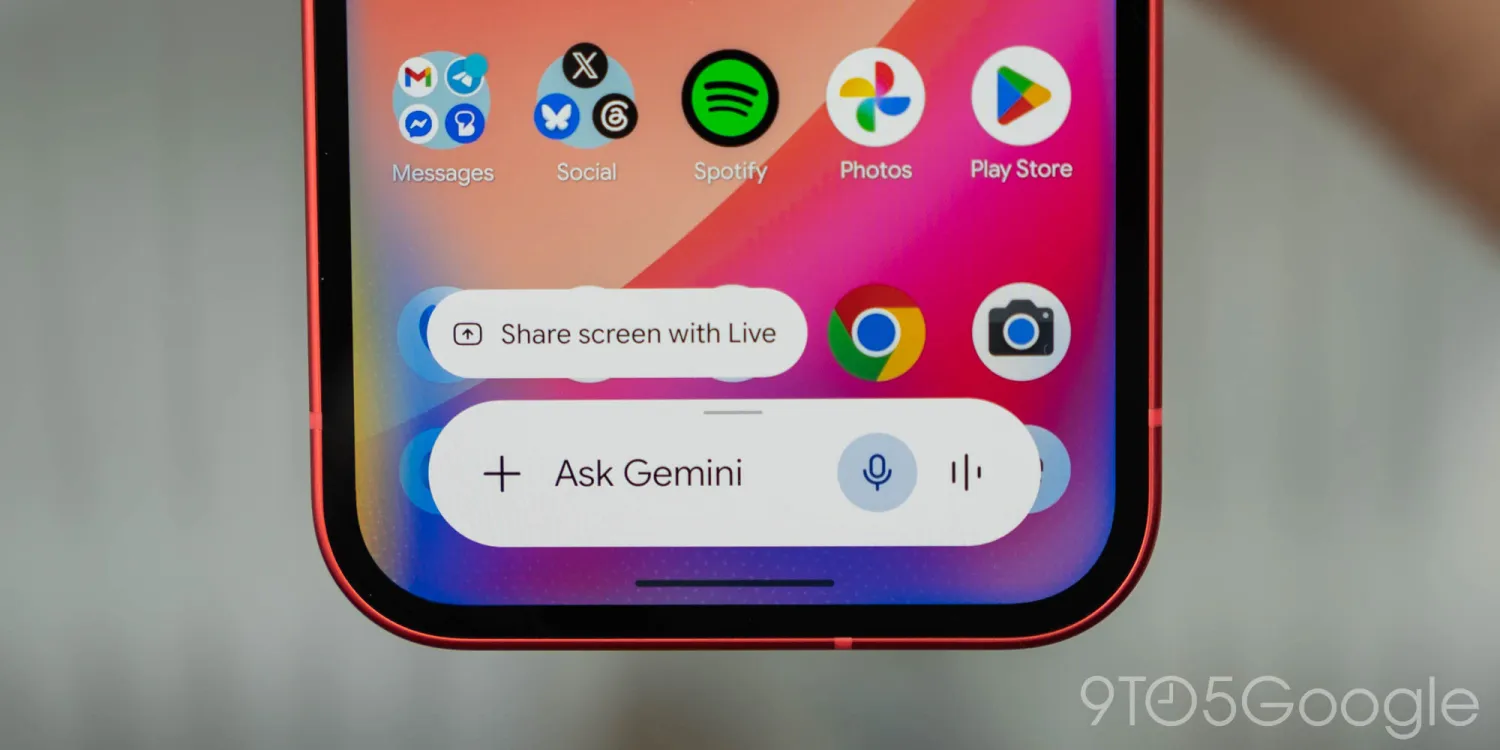
Is Gemini just a “flashy” ✨ gimmick, or is it actually saving you time? ⏳ From coding shortcuts 💻 to “impossible” spreadsheet formulas 📊, I’m finally finding where AI makes sense—and I want to know if you are too. 🤔
Further reflecting on Google’s practical focus for Gemini and AI in general at I/O 2026 last week 🗓️, I still find myself struggling to find ways to actually make this technology useful in ways that actually matter. 😵💫 So, what are you doing with Gemini? 🤖
Over the past couple of years, AI has been a part of daily life. 📅 Not necessarily in use, but at least in hearing about all the “progress” being made with it. 📈 I don’t really consider myself a flat-out AI hater, but I’m not exactly the biggest fan of this technology. 🙅♂️ AI can do impressive things, but it usually feels like a game of trying to reinvent the wheel. 🎡 Gemini’s AI Overviews and AI Mode in Search are a pretty flashy new experience, but they ultimately do the same thing, though often while being worse at that thing (all while Google admits the web is “in rapid decline” 📉 – I wonder why). AI tools, Google’s or otherwise, just don’t feel like an objectively better improvement, but usually a lateral evolution that’s also wildly resource-intensive 🔋 – I’m totally not bitter about RAM prices or anything. 💾
But, through it all, I am still trying to find places where Gemini and AI as a whole make actual sense in my life – it’s just an uphill battle. 🏔️
Perhaps the best real-world use case I’ve seen for AI is in coding. ⌨️ Being large language models, the reasoning of building out code is something these tools can be remarkably good at. I’ve only toyed around with this, building out a quick Chrome extension 🧩 I needed, but I can immediately see the appeal. I still believe that a good developer 👨💻 needs to be behind anything built by AI – especially anything sold or widely distributed – but the utility is obvious. 🛠️
Outside of that, though, it’s pretty hit or miss. 🎯
As mentioned in last week’s Weekender, I think Google is doing a good job in coming up with ideas for where AI can be useful. 💡 One recent “eureka” moment for me in finding use cases for Gemini was in Google Sheets. 📁
Spreadsheets can be a huge headache 🤕, but they’re really good at their job if you know how to use them. Personally, I think I’m at least not inept at using a spreadsheet and creating formulas to get what I need done, but the advanced side of things has never been easy. It usually involves a ton of searching around the web for tips and tricks, and then a ton of trial and error to make those tips work in the specific context of what I’m actually working on. 🔍 Gemini is really good at this, though. Without getting into the details, I was trying to build out a spreadsheet that could take multiple inputs – player names, payments, and a payout structure – and spit out results. 💸 I spent an hour trying to do this the “old-fashioned” way, but eventually I tried out Gemini’s integration into Sheets. Using natural language, it was able to spit out formulas that could actually use the context of the rest of the spreadsheet, creating “COUNTIF” and “XLOOKUP” formulas 🔢 that were far beyond what I would have been able to figure out on my own, and frankly, didn’t even know to research in the first place. I still had to make plenty of manual tweaks ✍️, something I couldn’t do if I hadn’t already learned how to use a spreadsheet and its formulas without AI’s help, but Gemini saved me a ton of time and frustration. ✅
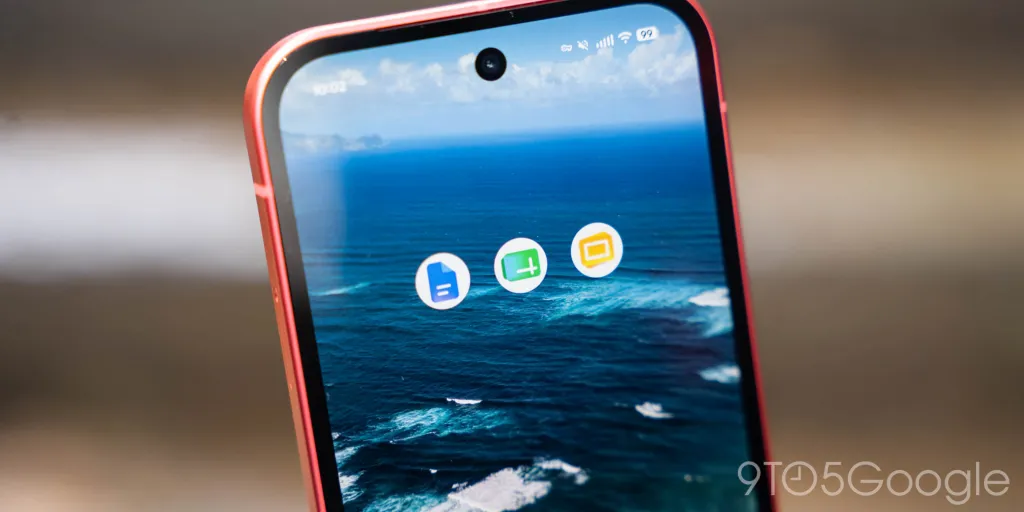
Workspace as a whole is somewhere Gemini can be handy. 🛠️ I’m still left with an uneasy feeling about the whole “Docs Live” demo from I/O, but Sheets formula generation and perhaps image generation 🖼️ in a Slides presentation are actually useful ways to put AI to work. 🚀
#image_title
But, really, I want to hear from our readers on this one. 🗣️
What are you using Gemini for? ❓
Search? Productivity? Coding? I’m really quite curious how you find Google’s AI tools useful. Let’s discuss! 💬
This Week’s Top Stories 📰
Why Google redesigned Workspace icons, again 🎨
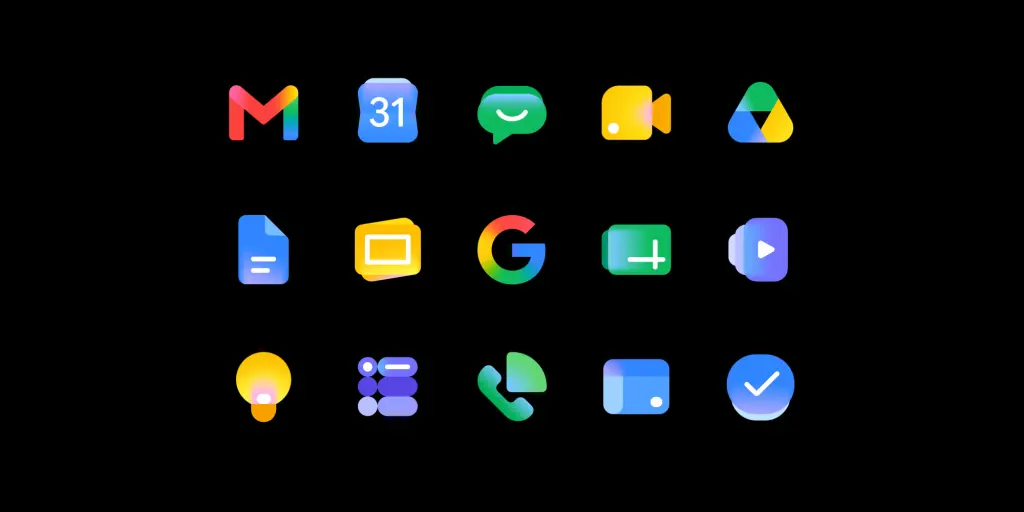
Rolling out widely, Google’s new Workspace icons are a big change for the second time in recent memory. Why the change? 🔁 In short, Google is using these new designs to reflect the “Gemini era” while also giving every app its own identity 🆔 – the latter being everyone’s problem with the last big redesign.
Google on why it redesigned the Gmail and Workspace icons 📧
Motorola was hijacking the Amazon app, and we still don’t know why 🕵️♂️
We reported earlier this week on some bizarre behavior on Motorola smartphones 📱 which left the Amazon app redirecting through your browser with just enough time to inject an affiliate code 🔗, monetizing your traffic. The behavior has since stopped, but Motorola declined to explain what happened, and why this was routed through a random fashion influencer. 👠
Google just unveiled one of the most significant overhauls to its search engine in years at Google I/O 2026 🌐. By weaving artificial intelligence deeper into the fabric of Search 🤖, the tech giant is rolling out smarter utilities, heightened personalization, autonomous AI agents, and bespoke interactive features ✨. Here is a breakdown of the nine most crucial takeaways from Google’s ambitious new AI Search roadmap 🗺️.
Gemini 3.5 Flash becomes the new global standard ♊⚡
Google confirmed that Gemini 3.5 Flash will now serve as the default engine powering AI Mode in Search across the globe 🌍. According to the company, this newly integrated model is specifically engineered to process advanced tasks with greater speed and superior overall performance 🚀.
A completely reimagined, AI-centric search box 🔍
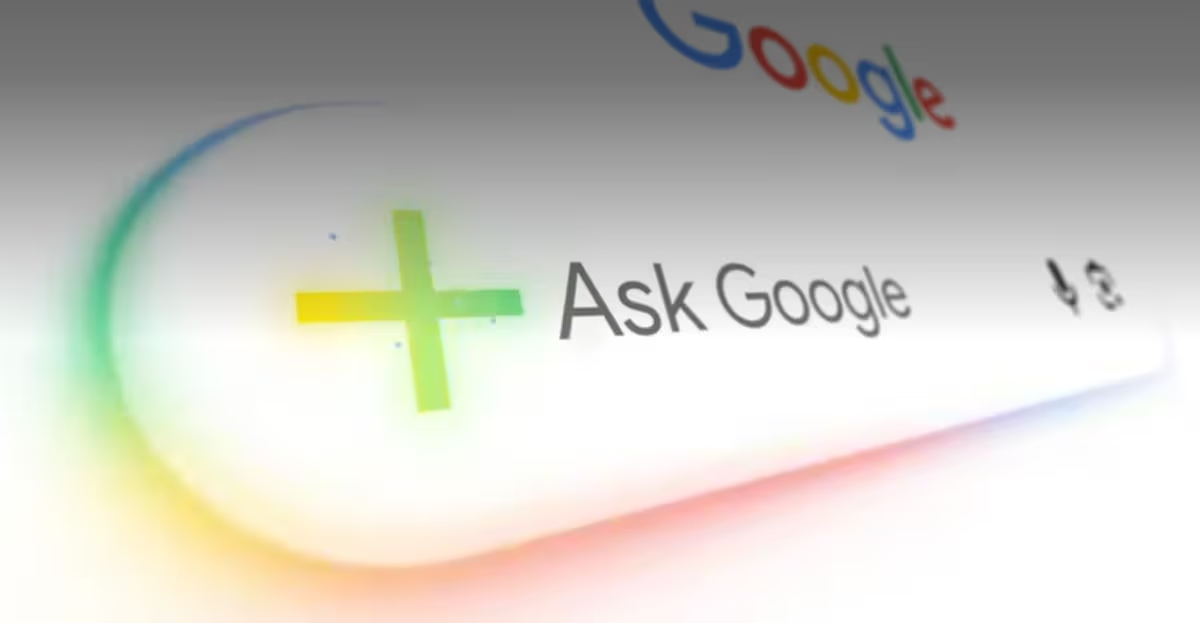
The traditional search bar is getting a massive upgrade 🆙. Google has introduced a redesigned, AI-first search box that encourages users to type longer, more conversational queries 💬. It also embraces multimodal inputs, allowing you to search using images, uploaded files, videos, and even active Chrome tabs 🖼️📹📂.
Seamless follow-up conversations 🗣️
Gone are the days of starting a new search from scratch. Users can now ask follow-up questions directly within their AI-generated results 🔄. Google notes that the system retains the conversational context from your previous prompts, ensuring that subsequent answers and supporting links remain highly relevant 🧠🔗.
Autonomous AI agents arrive in Search 🤖🕵️♂️
In a major leap forward, Google is deploying information-gathering AI agents capable of continuously monitoring the web on your behalf 🌐. These agents can keep a watchful eye on specific topics and alert you to updates regarding apartment listings 🏠, product drops 🛍️, financial market shifts 📈, and sports scores ⚽.
Streamlined bookings and local services 📅📍
Search is vastly expanding its utility when it comes to booking local services and experiences. You can now input highly specific requirements, and Google will do the heavy lifting by pulling together real-time pricing and availability data from a variety of providers 💰🛠️.
Let Google make the call for you 📞
For certain service categories—namely beauty 💇♀️, home repair 🏠, and pet care 🐾—Google is rolling out a feature that allows Search to actually contact businesses on your behalf. Currently, this concierge-like capability will only be available to users in the United States 🇺🇸.
A highly interactive user interface 🖥️✨
Search is moving beyond static text with new, AI-driven generative UI experiences. Depending on the complexity of your query, the engine can now generate interactive visual elements, real-time simulations, data tables, and dynamic graphs on the fly 📊🎨.
Custom AI mini-apps for everyday tasks 📱🛠️
Google announced that Search will soon have the ability to build personalized dashboards and tracking tools for ongoing projects, like planning a fitness routine 🏋️♂️, organizing a move 📦, or coordinating an event 🎈. These custom, AI-powered mini-apps will initially launch exclusively for Google AI Pro and Ultra subscribers in the US 💎.
The future of traditional Search results 🔮
These sweeping AI upgrades signal a definitive, albeit gradual, pivot away from Google’s classic “10 blue links” format 🔗. While regular Search will still display standard web pages, most of these new capabilities are locked into AI Mode 🤖. However, as AI-generated summaries, conversational flows, and autonomous agents take center stage, it is highly likely that users will eventually spend less time manually clicking through multiple websites 🖱️📉.

Tech4 months ago
JBL Live 780NC and Live 680NC Debut 🎉 in India: Featuring True Adaptive ANC, Spatial Audio, and Up to 80 Hours of Battery Life 🔋

Tech4 months ago
Vivo X Fold 6 Set to Redefine Foldables with a 7,000mAh Battery 🔋 and IPX8/IPX9 Durability 🛡️

Tech4 months ago
Why Next-Gen AI Smartphones May Ditch LPDDR for LLW 🪐

Entertainment9 years ago
The final 6 ‘Game of Thrones’ Trailer

Smartphones5 months ago
Oppo Android 17 (ColorOS 17) update: Full list of eligible devices 📱📲

Entertainment9 years ago
The old and New Edition cast comes together to perform

Videos5 months ago
Vivo X Fold 6 with Dimensity 9500 ⚙️, 200MP triple cameras to launch by June end 🚀

Videos8 months ago
Marvel Tōkon: Fighting Souls 🥊 arrives on PS5 and PC 🎮 this August 6, bringing the X-Men ❌ along for the ride.

Entertainment8 months ago
Samsung Galaxy Unpacked 2026 📅: The Galaxy S26 series ✨,
-
 Entertainment9 years ago
The final 6 ‘Game of Thrones’ Trailer
-
 Smartphones5 months ago
Oppo Android 17 (ColorOS 17) update: Full list of eligible devices 📱📲
-
 Entertainment9 years ago
The old and New Edition cast comes together to perform
-

 Buying9 years ago
Phillies’ Aaron Altherr makes mind-boggling barehanded play
-

 Videos9 years ago
Uber and Lyft are finally available in all of New York State
-

 Entertainment9 years ago
Disney’s live-action Aladdin finally finds its stars
-

 Buying9 years ago
Steph Curry finally got the contract he deserves from the Warriors
-

 Smartphones9 months ago
OnePlus 16 May Borrow Massive 9,000mAh Battery From Turbo 6 Series 🔋⚡